
Compliance Settings
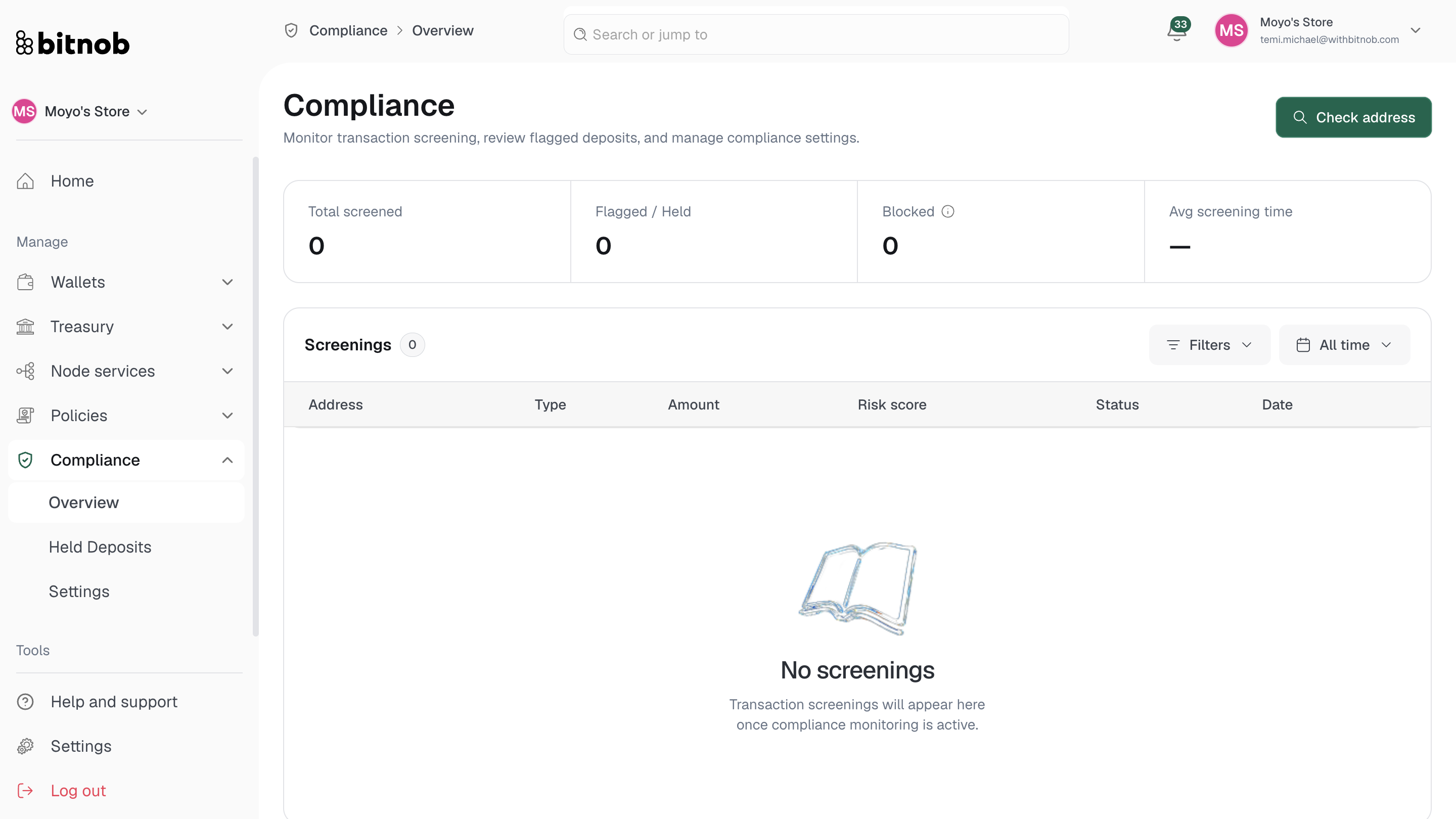
Compliance Settings is where you configure how screening works across your organization — from enabling automated screening and choosing your provider, to setting up risk profiles that define how different risk levels are handled.
Navigate to Compliance > Settings from the left sidebar. Settings are organized into three tabs:
General
The General tab controls the core behavior of your compliance screening.
Enable compliance screening Toggle this on to start screening incoming and outgoing transactions automatically. Screening must be enabled here before any automated compliance checks run.
Automated screening provider Select which provider handles automated screening. Currently, Chainalysis is the only available provider for automated screening and is selected by default.
Screening mode Choose when deposits are screened relative to balance crediting:
Screen before crediting — Deposits are held until screening completes. Recommended for regulated environments where funds should not be accessible until cleared
Credit immediately, screen in parallel — Deposits are credited instantly and screened at the same time. Flagged deposits are frozen retroactively
Minimum screening amount Set a USD threshold below which transactions will skip compliance screening entirely. Useful for excluding low-value transactions from automated checks.
Chain exemptions Add specific chain identifiers (e.g. bitcoin_testnet) that should be excluded from screening altogether.
Click Save settings after making any changes.
Providers
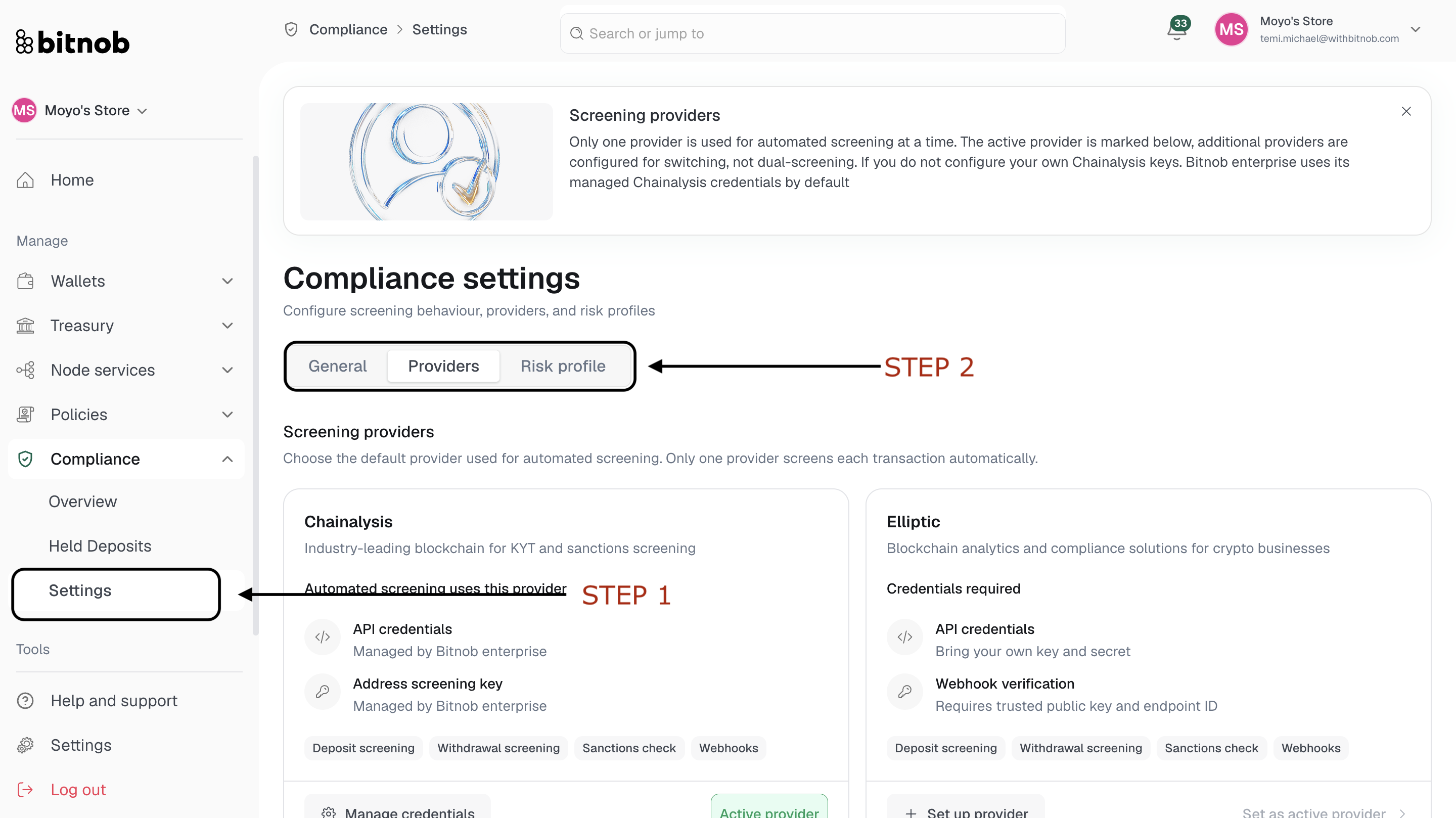
The Providers tab shows all compliance providers available on Bitnob Enterprise and their current status.
Chainalysis (Active provider) Industry-leading blockchain analytics for KYT and sanctions screening. Chainalysis is the default active provider. If you have not configured your own Chainalysis API keys, Bitnob Enterprise uses its managed credentials automatically. Supports deposit screening, withdrawal screening, sanctions checks, and webhooks.
Elliptic (BYOK required) Blockchain analytics and compliance solutions for crypto businesses. Requires you to bring your own API key and secret, plus a trusted public key and endpoint ID for webhook verification. Supports deposit screening, withdrawal screening, sanctions checks, and webhooks. Click Add credentials to configure.
Scorechain (BYOK required) Multi-chain crypto risk analytics with address, transfer, and sanctions screening. Requires your own KYT API key. Supports deposit screening, withdrawal screening, and sanctions checks. Click Add credentials to configure.
Note: Only one provider handles automated screening at a time. Additional providers can be configured for switching but will not run in parallel with the active provider.
Risk Profiles
Risk Profiles define how the system handles different risk scores returned by your screening provider. The active profile is applied to all screening decisions across your organization.
To create a risk profile, click Create profile and configure the thresholds and rules that determine when transactions are approved, flagged, held, or blocked. [Screenshot of risk profile creation flow]
Once created, the active profile will appear here and be applied automatically to all subsequent screenings.
Related articles