
Managing Held Deposits
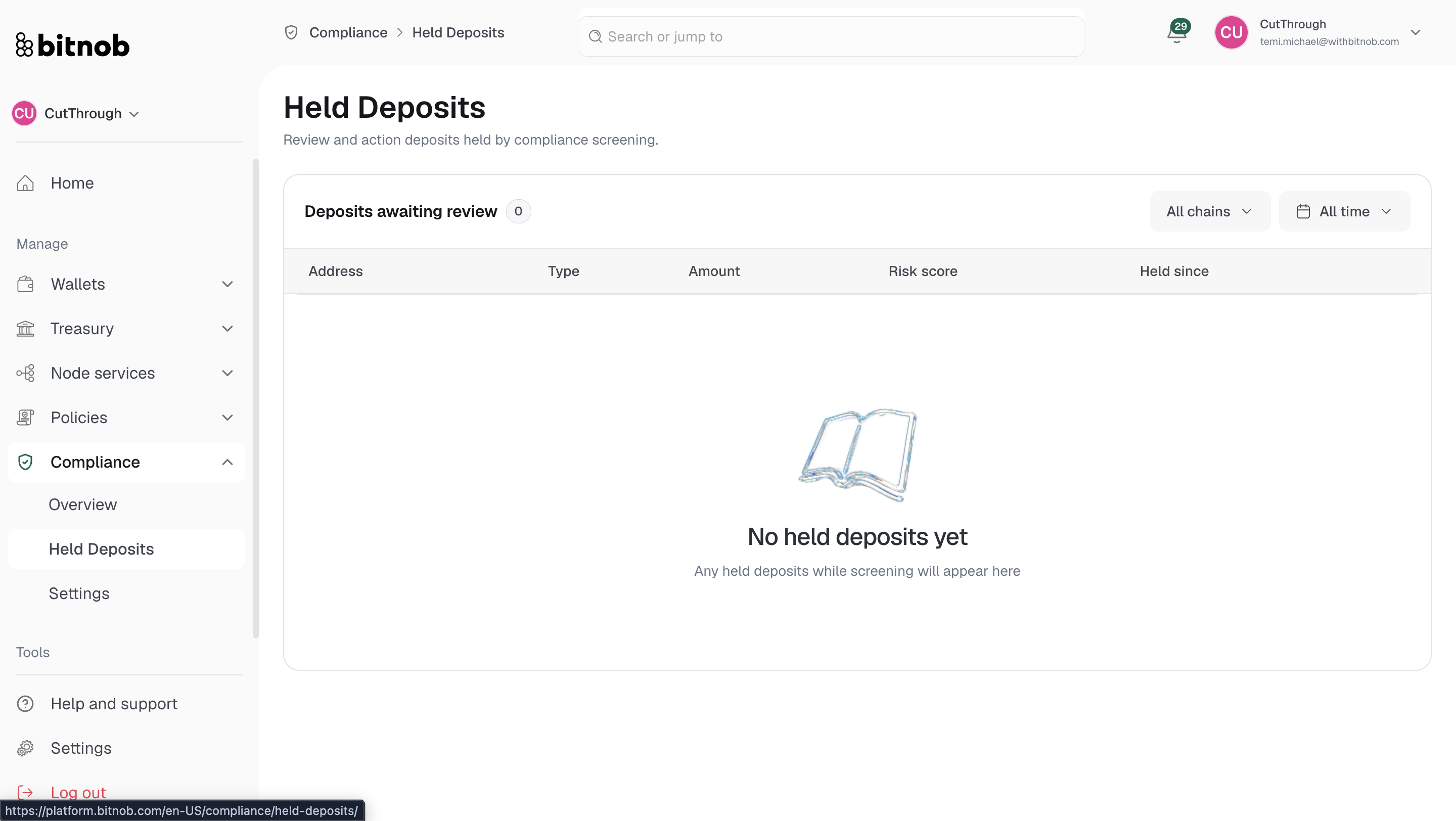
Held Deposits is where deposits flagged by your compliance screening land for manual review. Instead of being credited automatically, these deposits are paused until your team takes action.
What you'll see
Navigate to Compliance > Held Deposits from the left sidebar. Each held deposit in the list shows:
Address — The source address of the deposit
Chain — The blockchain network the deposit came from
Amount — The deposit value
Alert Level — The risk level that triggered the hold
Held For — How long the deposit has been in a held state
Use the All chains filter at the top to narrow the list by blockchain.
Taking action
For each held deposit, you can either approve or reject it. [Screenshot]
Approve — Releases the deposit and credits it to the destination wallet
Reject — Cancels the deposit and returns it to the sender
Note: Deposits only appear here if your compliance settings are configured to hold transactions for review. If the held deposits list is empty, no deposits have been flagged under your current compliance setup.
Related articles