
Policies : Approvals
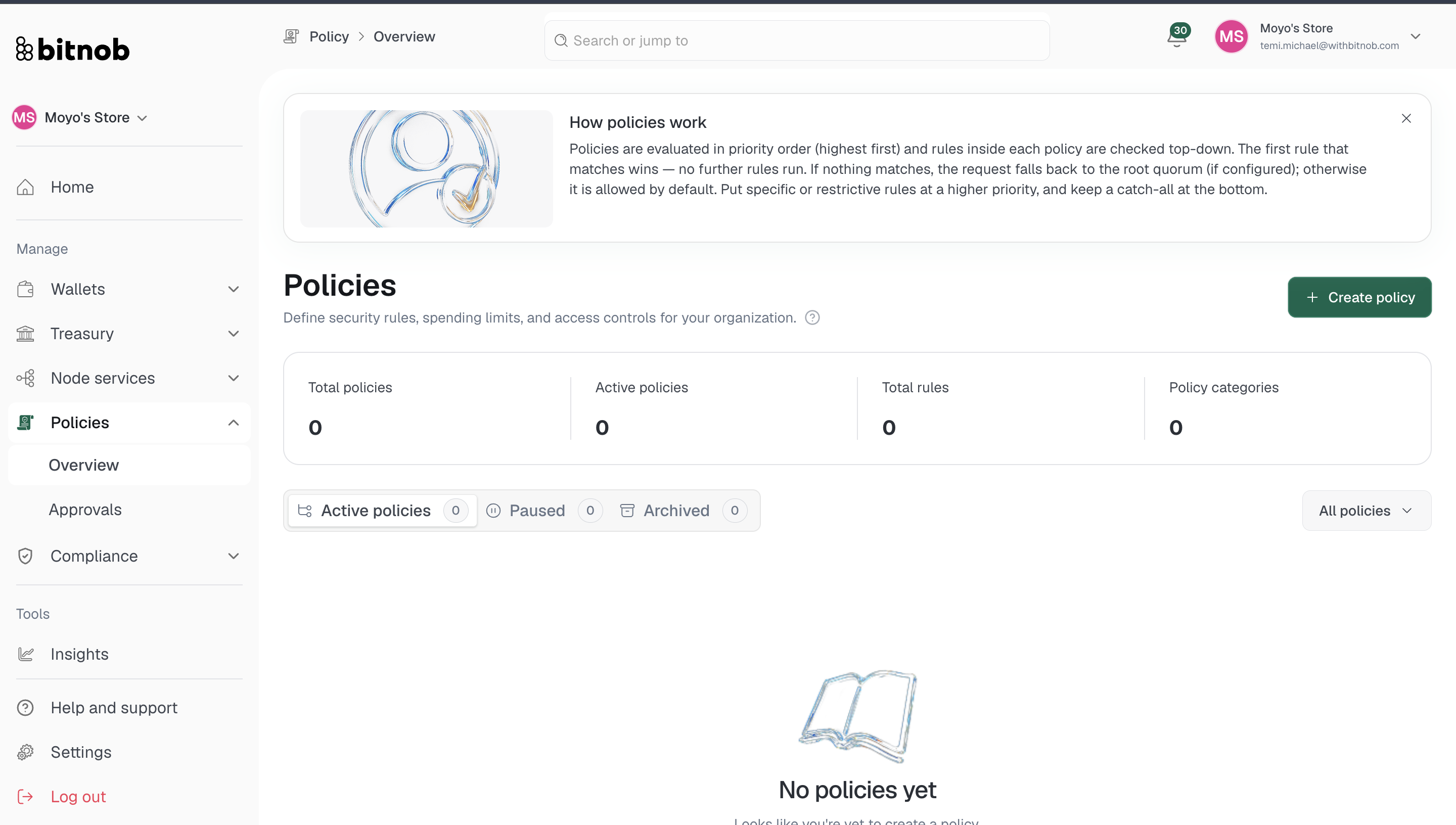
The Approvals page is where transactions flagged by a policy land when they require manual review before proceeding. Any policy rule with a Require approval action will route matching transactions here instead of processing them automatically.
What you'll find
Navigate to Policies > Approvals from the left sidebar. The page is split into two tabs:
Pending — Transactions currently waiting for a decision. Each entry shows the request details, who submitted it, and the date it was received
Completed — A record of approvals and rejections that have already been actioned
Taking action on a request
From the Pending tab, review each request and either approve or reject it. Approved transactions proceed to processing. Rejected transactions are cancelled. [Screenshot]
Note: The Approvals queue only receives transactions when a matching policy rule with a Require approval action is active. If your queue is empty, either no transactions have triggered a policy yet or no active policies use the Require approval action.
Related articles