
Overview Of Policies
Policies give your organisation control over how transactions are handled across the platform. Instead of manually reviewing every movement of funds, you define the rules upfront — and Bitnob Enterprise enforces them automatically.
How policies work
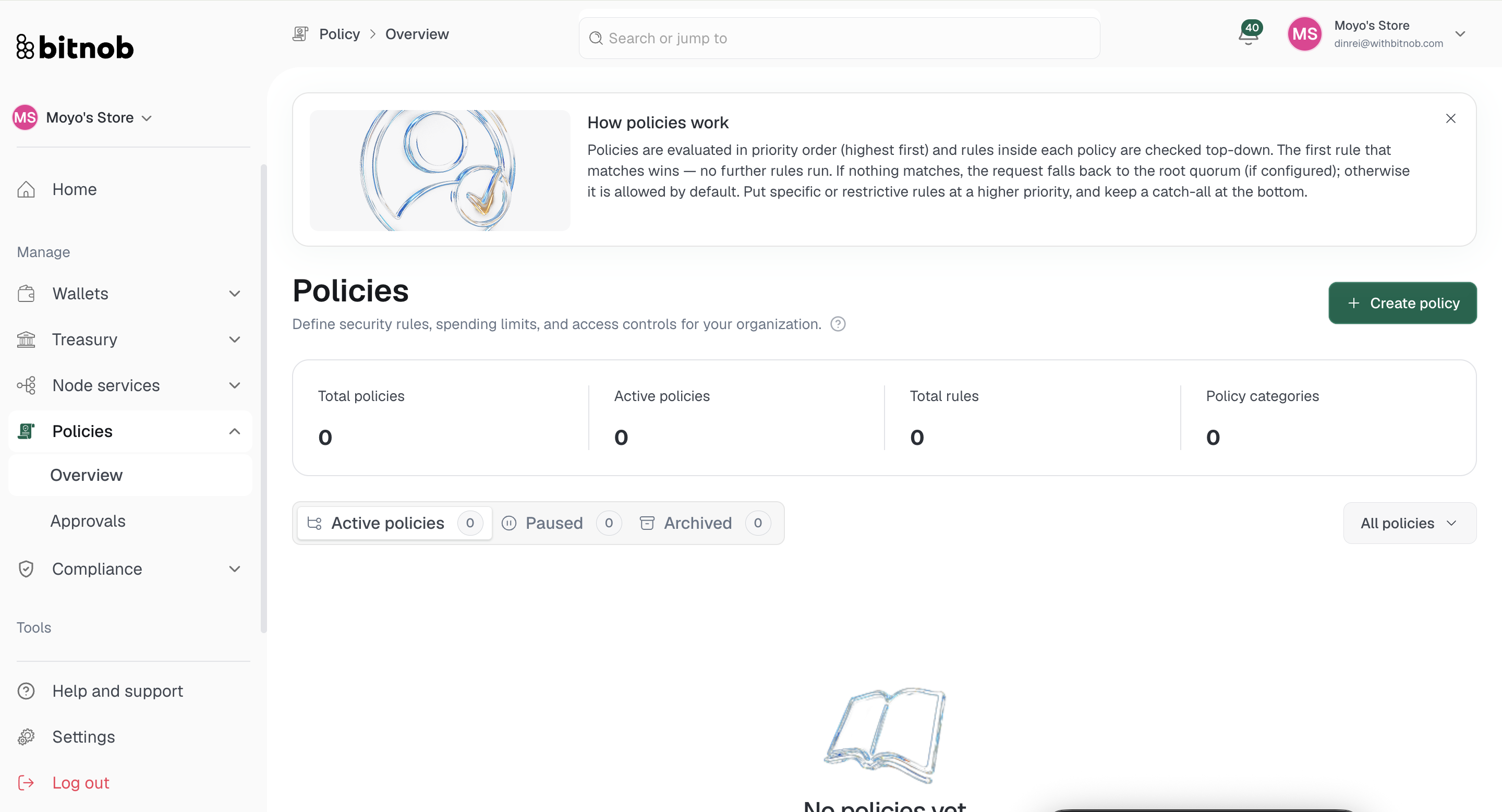
Policies are evaluated in priority order, highest first. Rules inside each policy are checked top-down, and the first rule that matches wins — no further rules run. If nothing matches, the request falls back to the root quorum if configured, otherwise it is allowed by default. Put specific or restrictive rules at a higher priority and keep catch-all rules at the bottom.
What you'll see on the Overview page
At the top of the page, four summary cards give you a snapshot of your policy setup:
Total policies — The total number of policies configured
Active policies — Policies currently being enforced
Total rules — The combined number of rules across all policies
Policy categories — The number of distinct categories in use
Your policies are organized into three tabs — Active, Paused, and Archived — so you can manage the full lifecycle of each policy from one place.
Related articles