
Overview of Treasury
Treasury is your central hub for managing liquidity across exchanges, wallets, and cash accounts — all from one place.
What you'll see on the Treasury overview
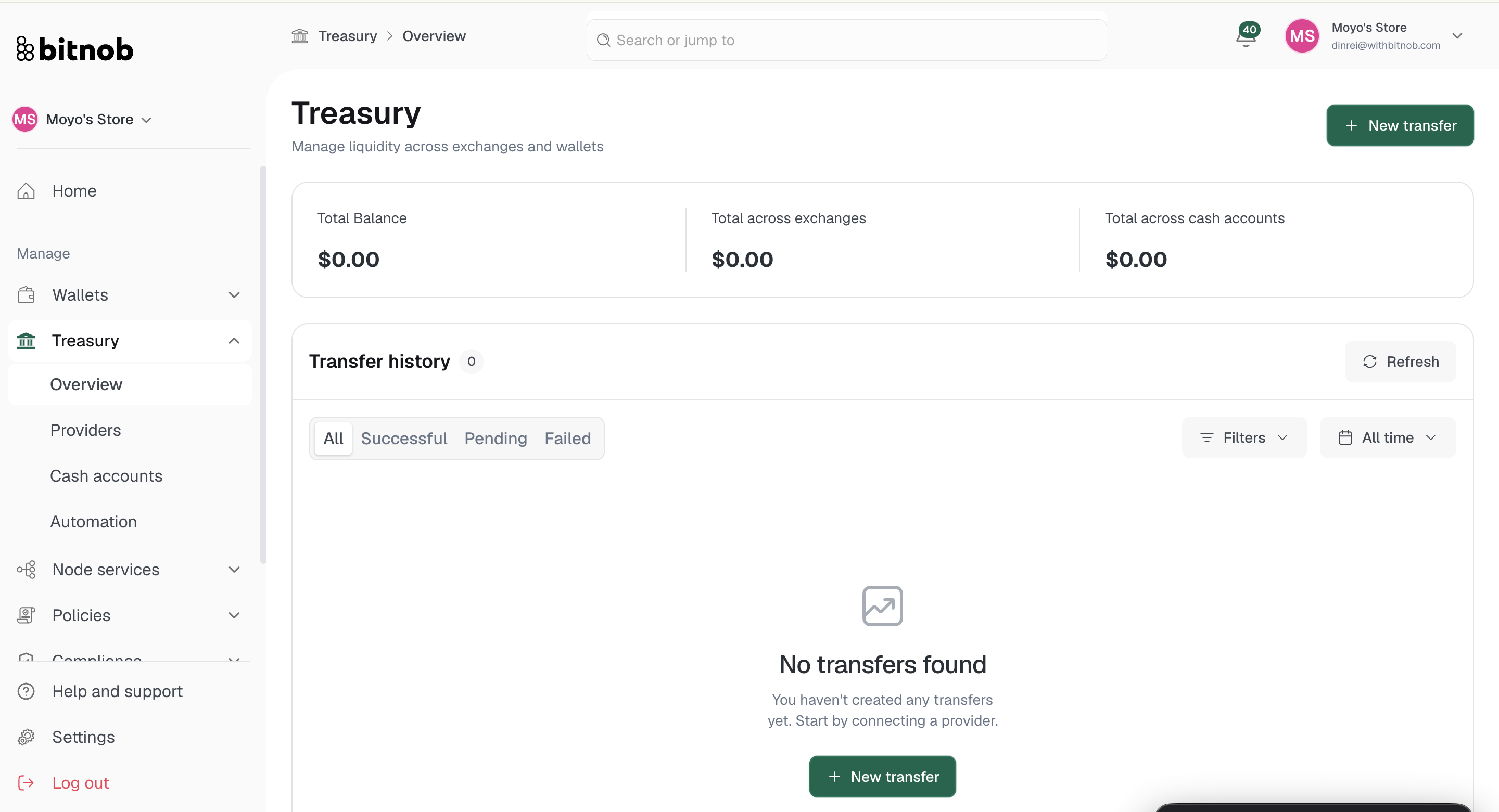
At the top of the page, three summary cards give you an at-a-glance view of your financial position:
Total Balance — Your combined balance across all connected sources
Total across exchanges — The sum of funds held across all connected exchange accounts
Total across cash accounts — The sum of funds held across all connected bank accounts and payment providers
Transfer history
Below the summary cards, your full transfer history is displayed. You can filter transfers by:
All — Every transfer regardless of status
Successful — Completed transfers
Pending — Transfers currently being processed
Failed — Transfers that did not complete
Use the Filters and All time dropdowns to narrow results further. Click Refresh to pull the latest transfer data at any time.
Starting a transfer
Click + New transfer from the top right of the overview page to initiate a fund movement between any of your connected sources.
Note: Transfer history will be empty until you connect a provider or cash account and initiate your first transfer.
Related articles