
How to Connect a Cash Account
Cash accounts let you connect bank accounts and payment providers to your Treasury, giving you a unified view of your fiat balances alongside your crypto holdings.
Steps
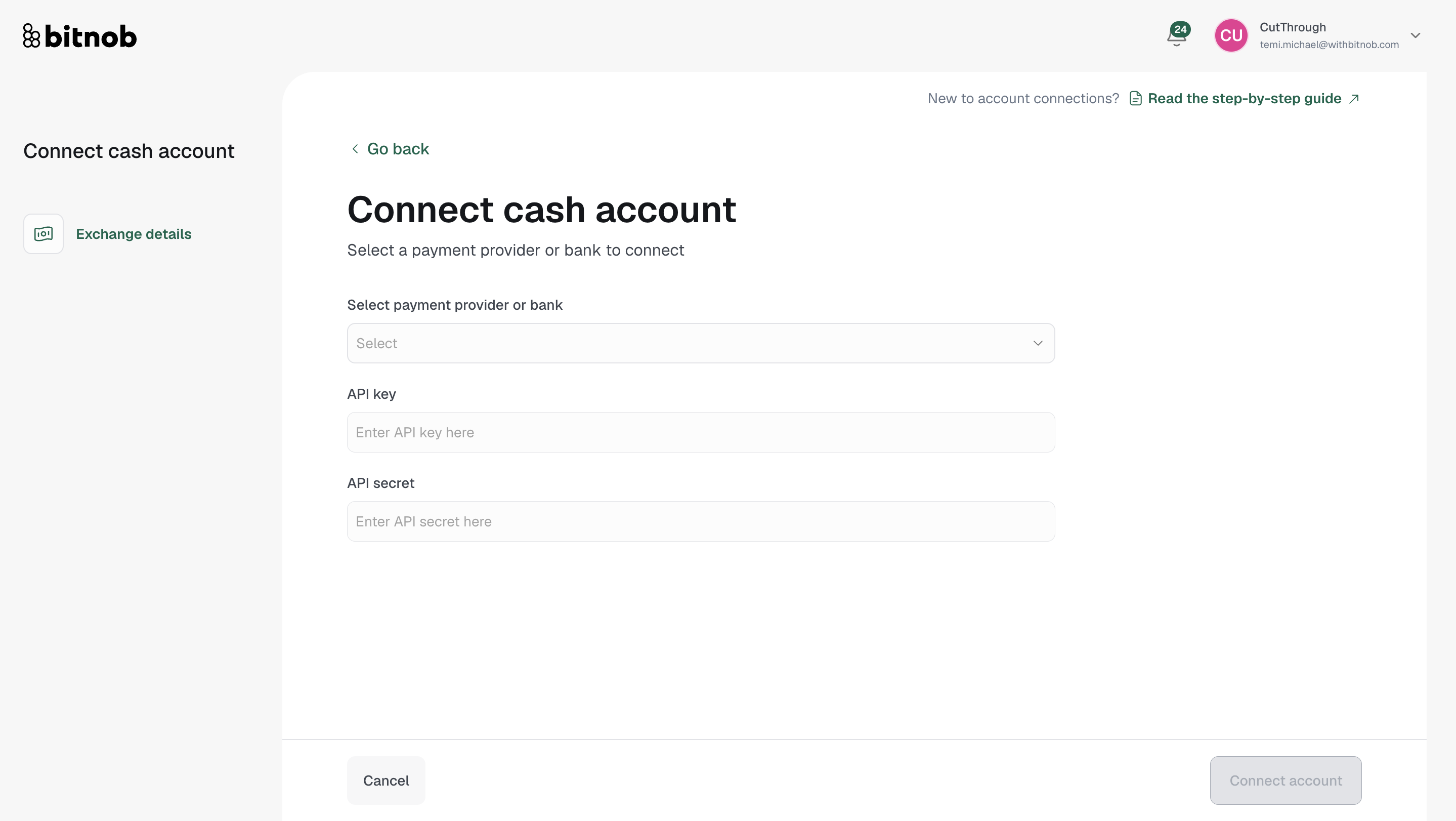
Navigate to Treasury > Cash Accounts from the left sidebar
Click Connect account
On the connection form, select your payment provider or bank from the dropdown
Enter your API Key and API Secret for the selected provider
Click Connect account to complete
What you'll see after connecting
Once connected, your Cash Accounts page will update to show:
Connected accounts — Total number of connected cash accounts
Total cash balance — Combined balance across all connected accounts
Currencies — Number of currencies held across accounts
Countries — Number of countries your accounts span
Note: Bitnob Enterprise currently supports Flutterwave as a cash account provider, with more providers being added over time.
Related articles