
Managing your Vaults and Wallets
The Vaults and Wallets overview page is your central view for everything across your wallet infrastructure.
What you'll find on the overview page
The page is organized into three tabs:
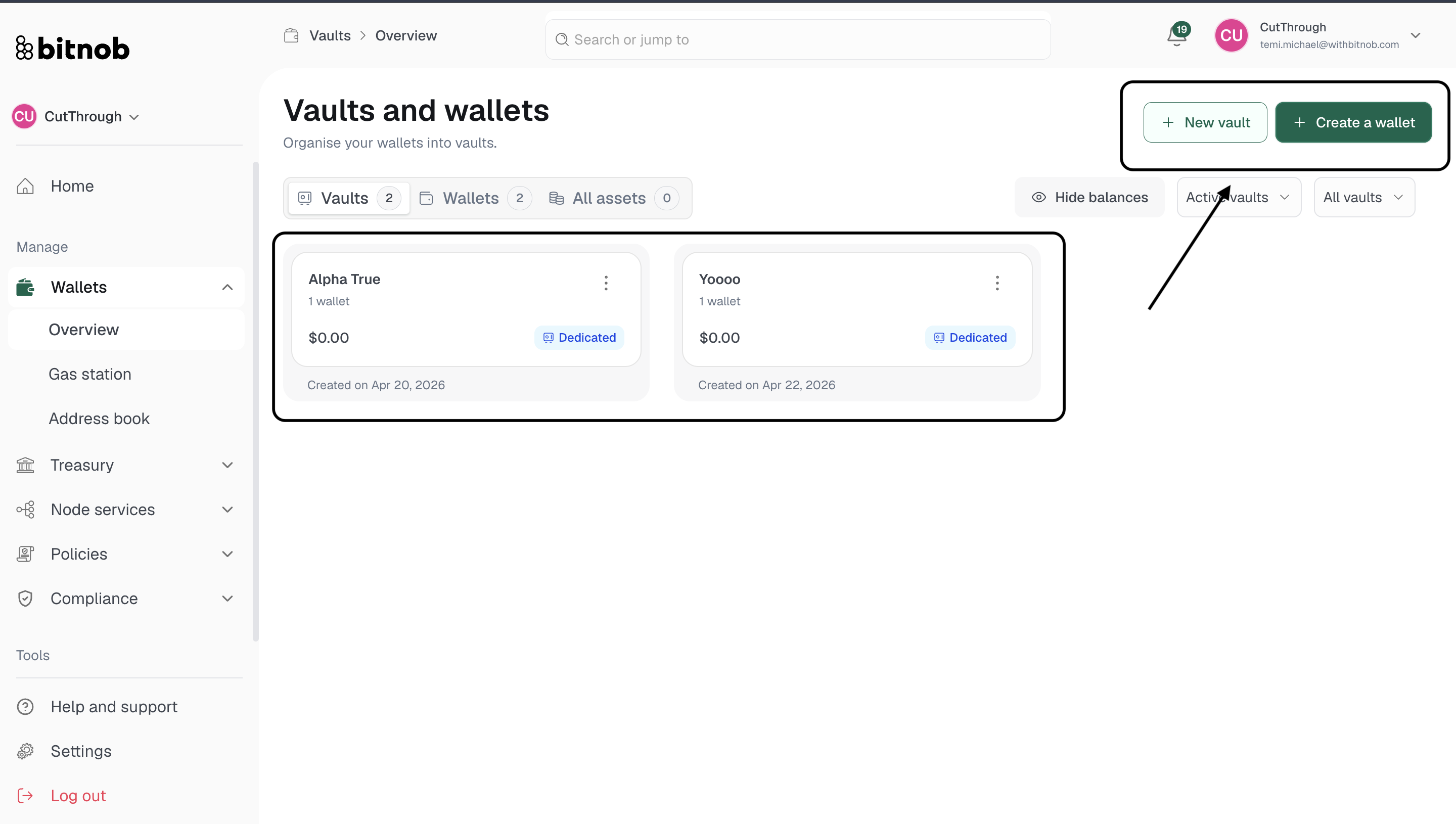
Vaults — Lists all your vaults with their type, status, and the wallets they contain
Wallets — Lists all individual wallets across all vaults, with asset type and balance
All assets — A consolidated view of your total holdings across all wallets and assets
You can filter the view by Active vaults or All vaults, and toggle Hide balances for privacy when sharing your screen.
Creating from the overview
Two quick-action buttons are available from the top right at all times:
+ New vault — Create a new Dedicated or Pool vault
+ Create a wallet — Add a new wallet to an existing or new vault
Related Articles