
Global Settings
Global Settings is accessible from the left sidebar of the Business dashboard. Clicking it takes you to Settings, which is the central configuration hub for your account.
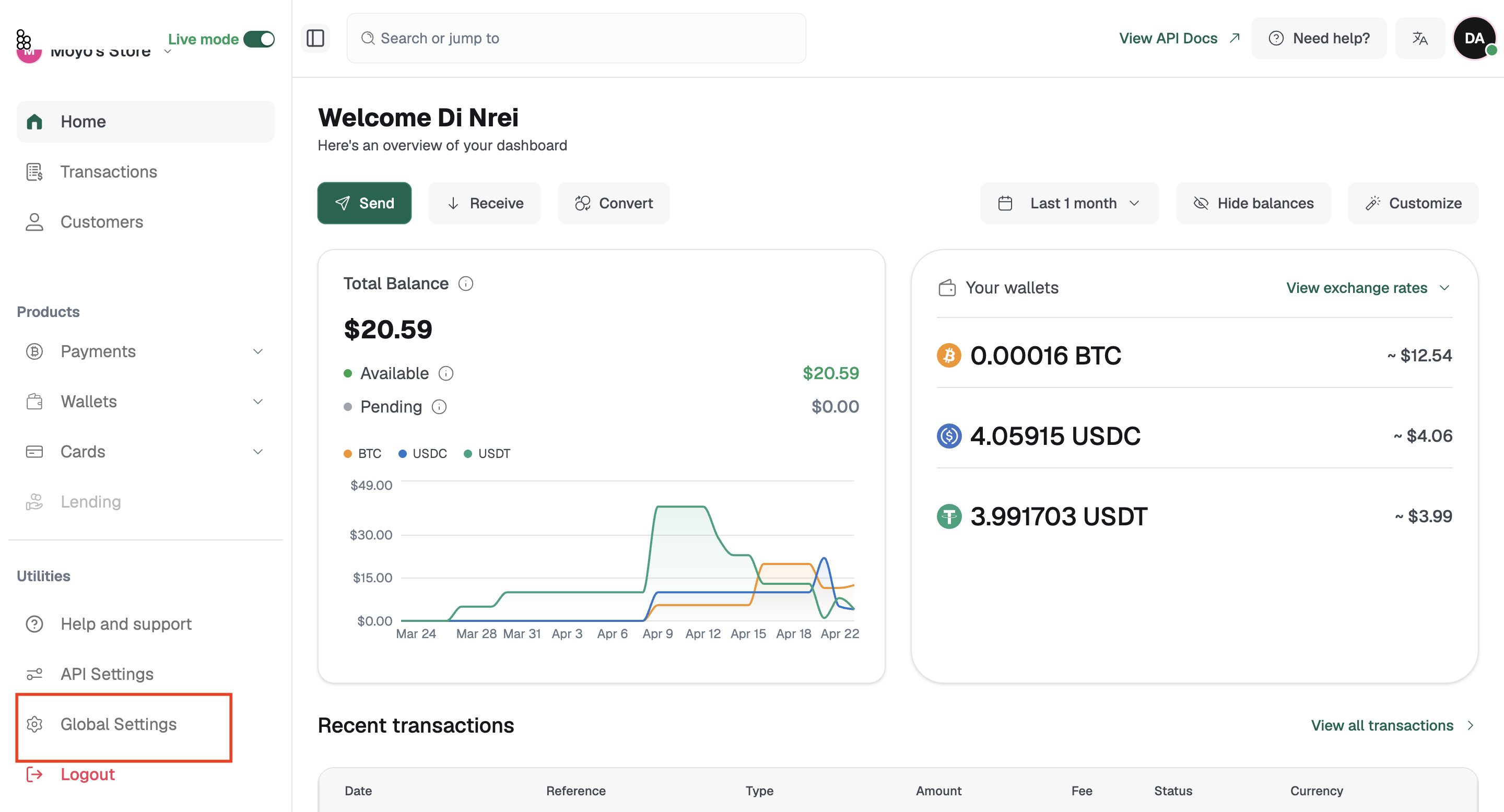
Here is what you will find when you land there:
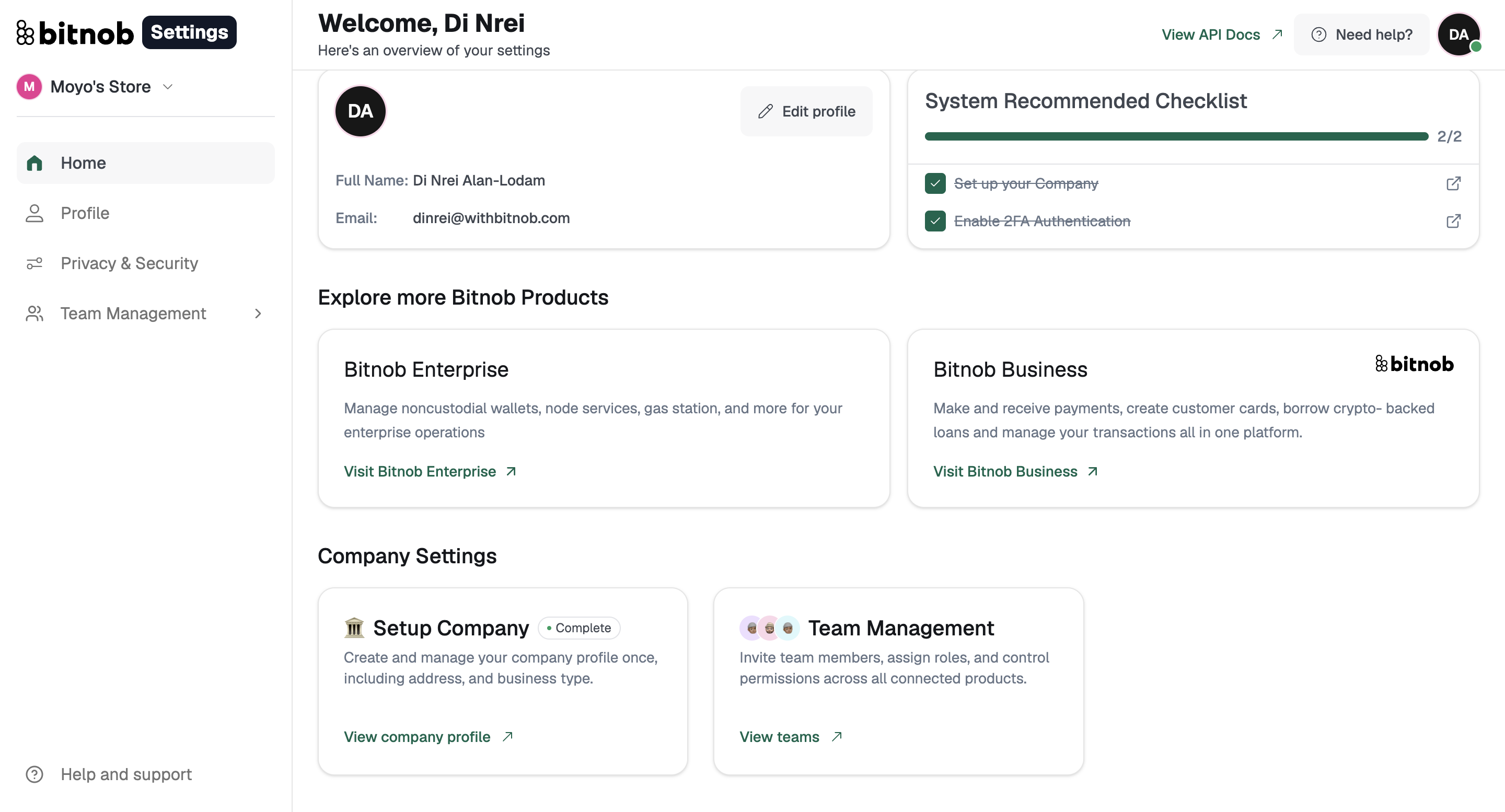
Your profile card displays your full name and email address, with an Edit profile shortcut to update your details at any time.
The System Recommended Checklist tracks your setup progress across two items: setting up your company and enabling 2FA authentication. Both are marked complete once done and the checklist gives you a quick view of where your account stands.
Under Explore more Bitnob Products, you will find entry points to two products. Bitnob Enterprise is built for managing noncustodial wallets, node services, gas station, and enterprise-level operations. Bitnob Business is where you handle payments, issue cards, manage transactions, and more.
Under Company Settings, you have two options. Setup Company lets you create and manage your company profile including your business address and type. Team Management is where you invite team members, assign roles, and control what each person can access across your connected products.
Under Privacy and Security, you will find your Current sessions, which shows a live log of all active device sessions including the device name and IP address for each. You can click See all to view the full list. If you notice any session you do not recognise, you can manage your security settings from the Privacy and Security option.
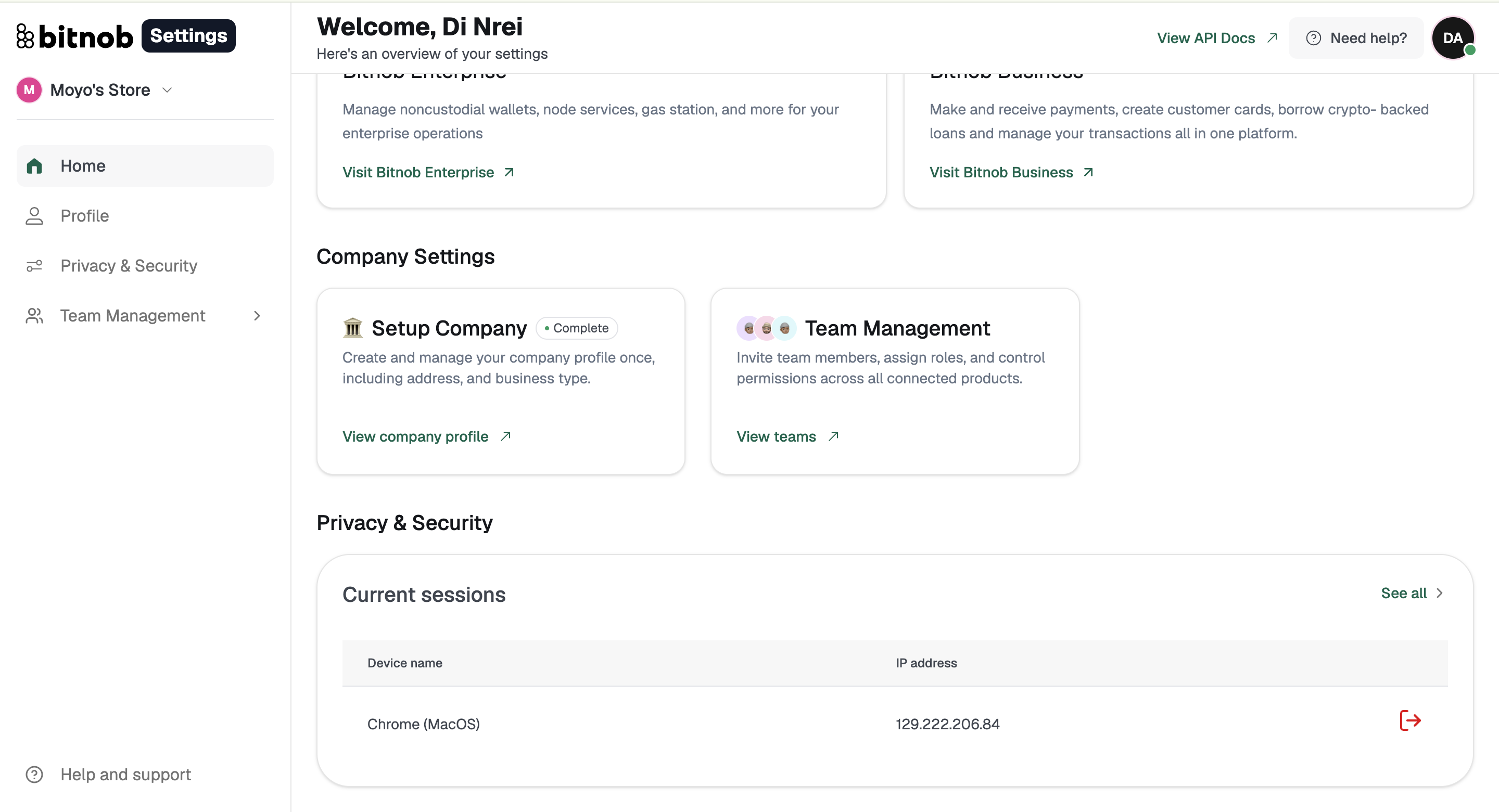
The sidebar on the left gives you direct access to your Profile, Privacy and Security settings, and Team Management.
Related articles: