
How to Manage Your Team
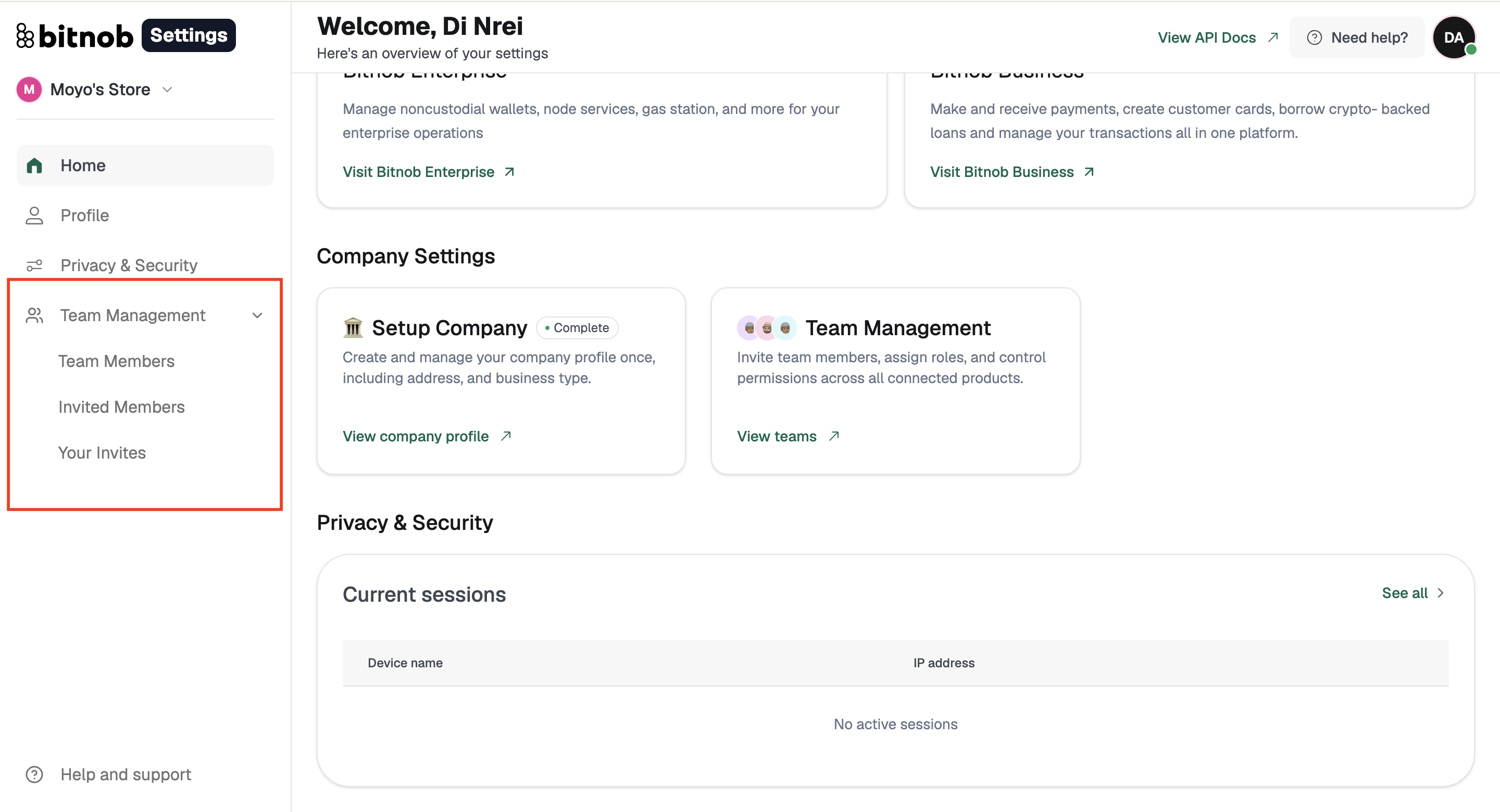
Team Management is in the Settings sidebar. It controls who can access the Bitnob Business account and at what level of permission.
From here you can add team members by email and assign them a role, update a member's role at any time, or remove access entirely.
A good rule of thumb: assign roles based on the minimum access each person actually needs for their job. A finance team member doesn't need API Settings access. A developer doesn't need access to customer records.
It's also worth reviewing who has access, and at what level, as your team grows and roles change.
Important: Remove access immediately when a team member leaves or changes roles. Dormant accounts with elevated permissions are one of the most common security vulnerabilities for business accounts.
Related articles: