
API Settings and Developer Integration
The API Settings page is your control centre for integrating Bitnob into your own product. You'll find it in the sidebar.
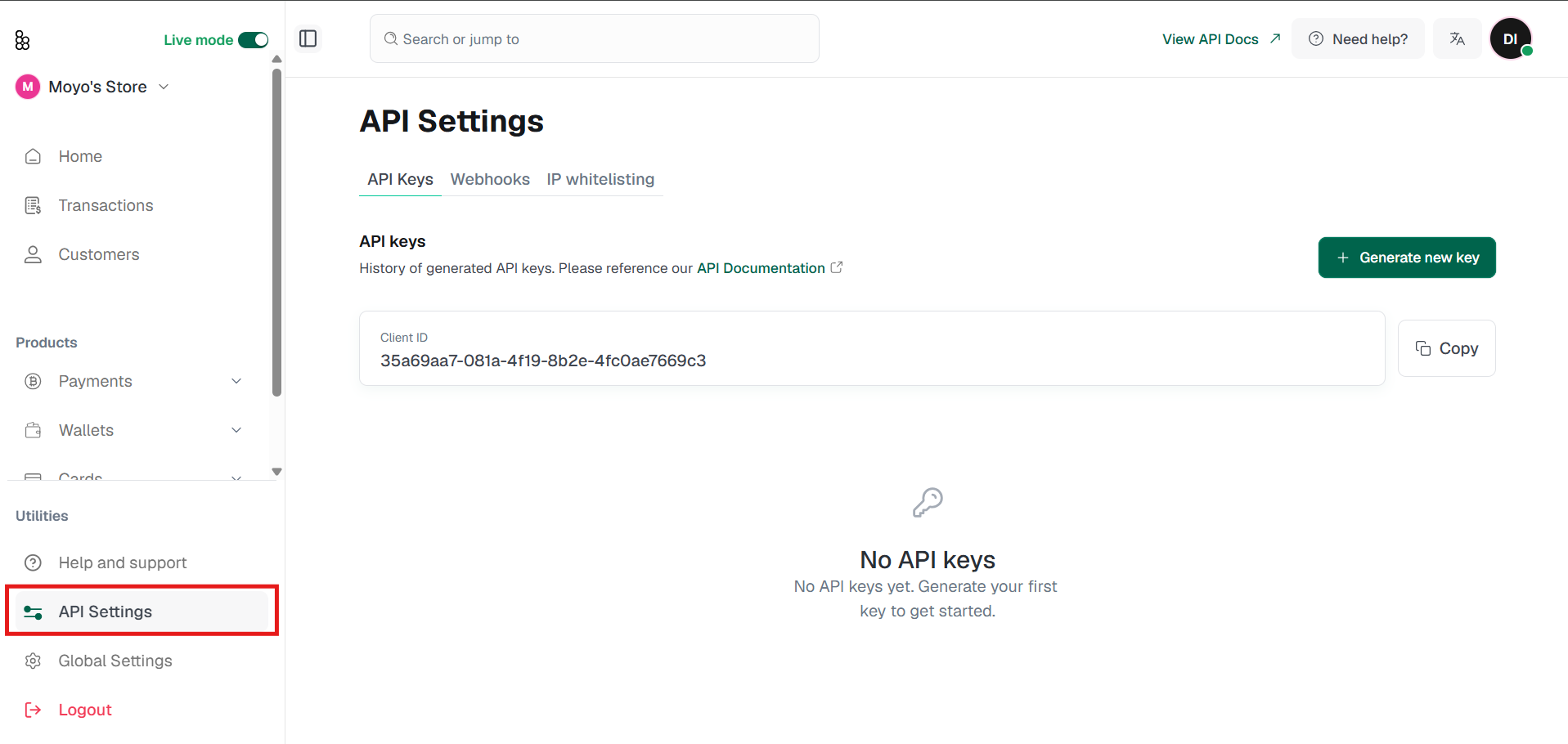
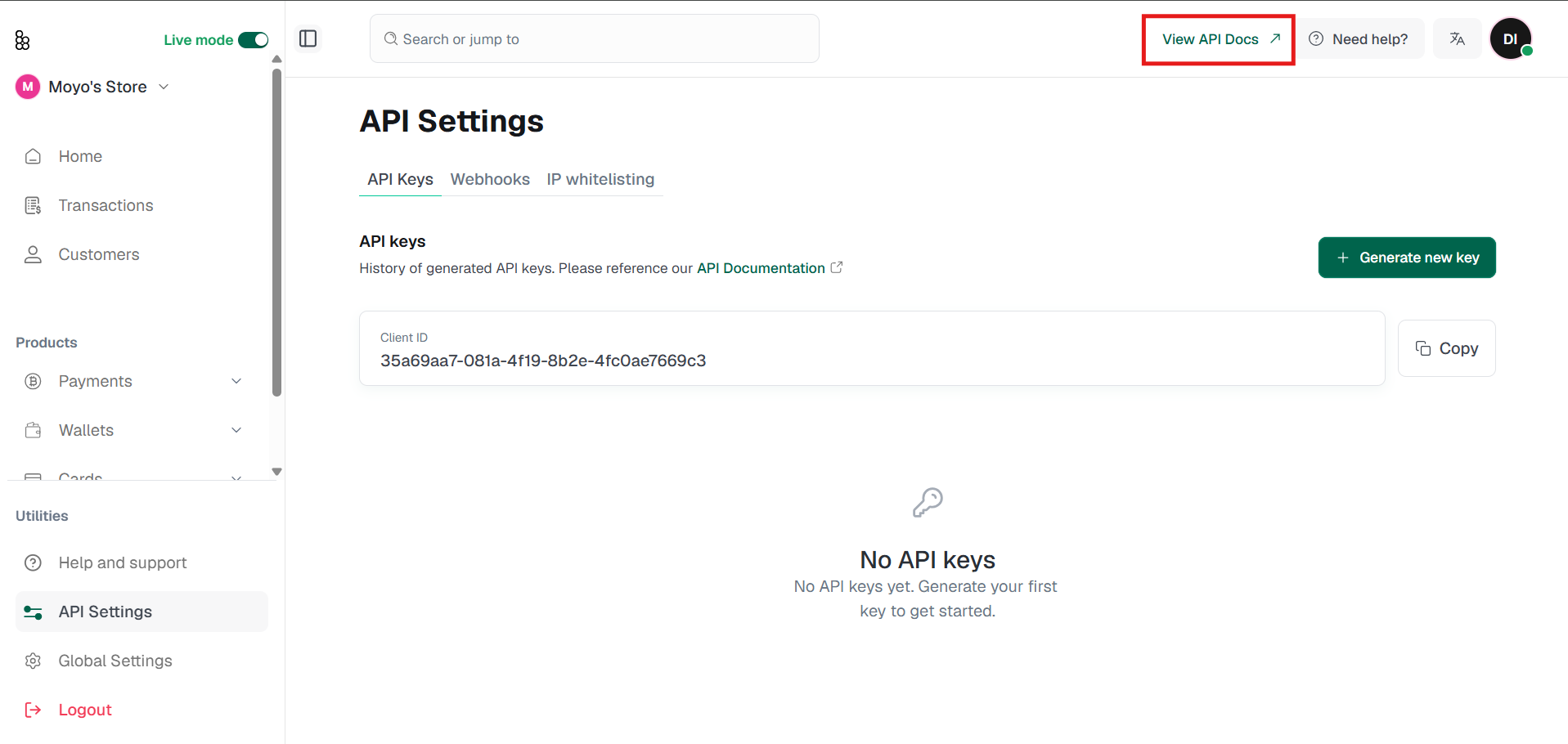
For full API reference documentation, including every endpoint, request, and response schema, authentication, error codes, and code examples across multiple languages, use the View API Docs link at the top of the page or use this link: https://bitnob.dev/docs/genesis/overview
IP Whitelisting
Sandbox vs Production
Bitnob uses the same application URL for both environments: the distinction is which API key you use. You can switch between your sandbox and production environments using the Live Mode Switch located at the top left of the screen
Your sandbox key is for building and testing without moving real funds. Sandbox data may reset periodically.
Your production key is for live transactions only. Switch to production after you've fully tested all your flows and completed any required verification.
Important: Mixing sandbox and production keys causes authentication failures. Store all keys in environment variables or a secrets manager(AWS Secrets Manager, HashiCorp Vault, etc).
Never hardcode keys in source code or commit them to version control.
Verifying your setup
Call the /api/balances endpoint using your sandbox key. A 200 OK response with JSON wallet data confirms everything is configured correctly.
For step-by-step integration tutorials: covering sending USDT to NGN, executing a currency swap, sending Bitcoin, and buying airtime, visit our Tutorials page.
Related articles: