
Creating Webhooks
Edited
Create Webhook: configures an endpoint URL that Bitnob calls in real time when events occur on your account.
For example, when a transaction completes, a card is charged, or a payment fails.
To set up a webhook: click Create Webhook, enter your endpoint URL, select the event types you want to subscribe to, and save.
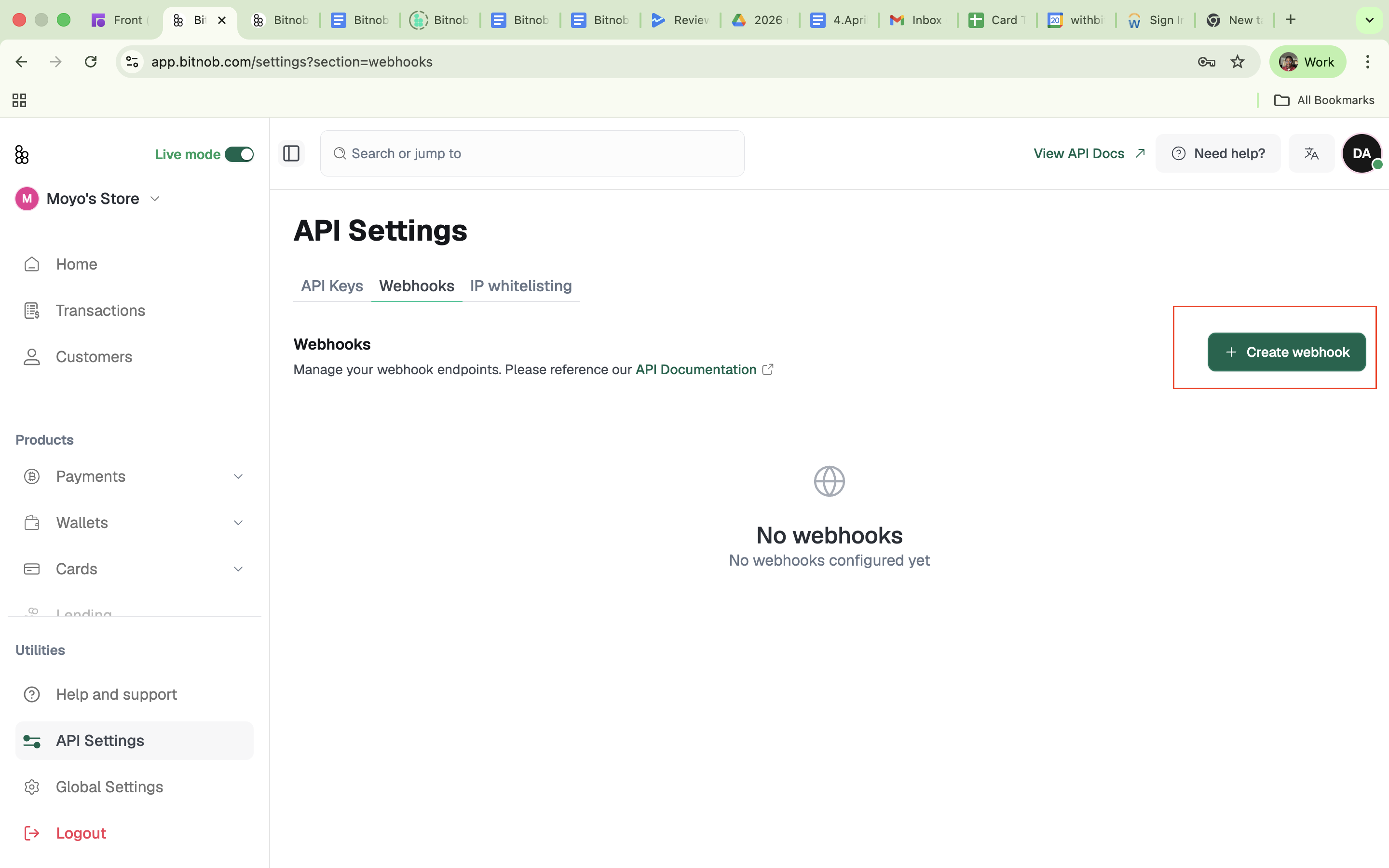
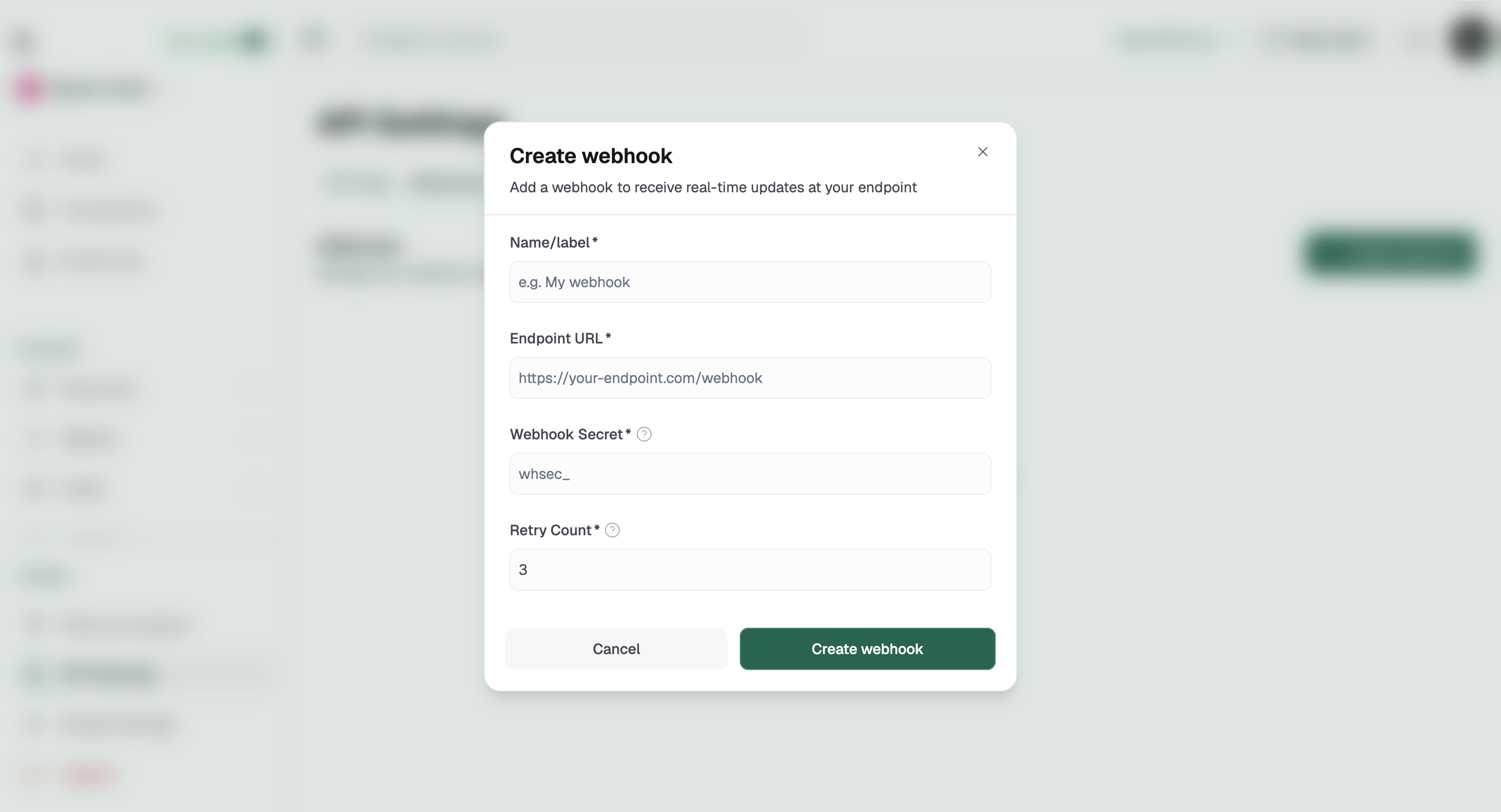
Bitnob lists all your configured webhook endpoints with their URL, status (active or inactive), and subscribed event types.
Audit this list regularly and deactivate any endpoint no longer in use
Related Articles:
developer
api
webhooks
endpoint
Was this article helpful?
Sorry about that! Care to tell us more?