
Exporting Card Reports
Edited
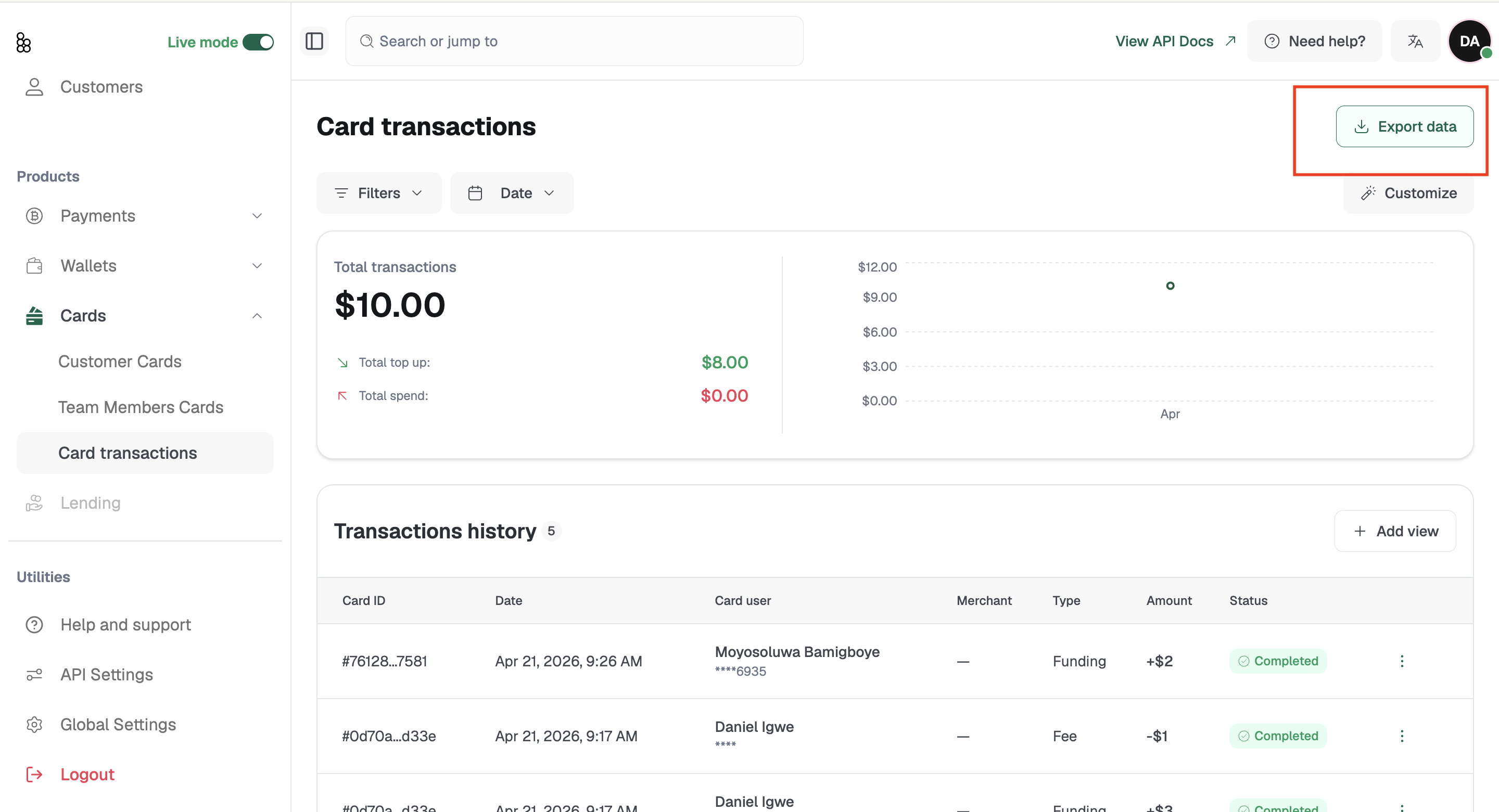
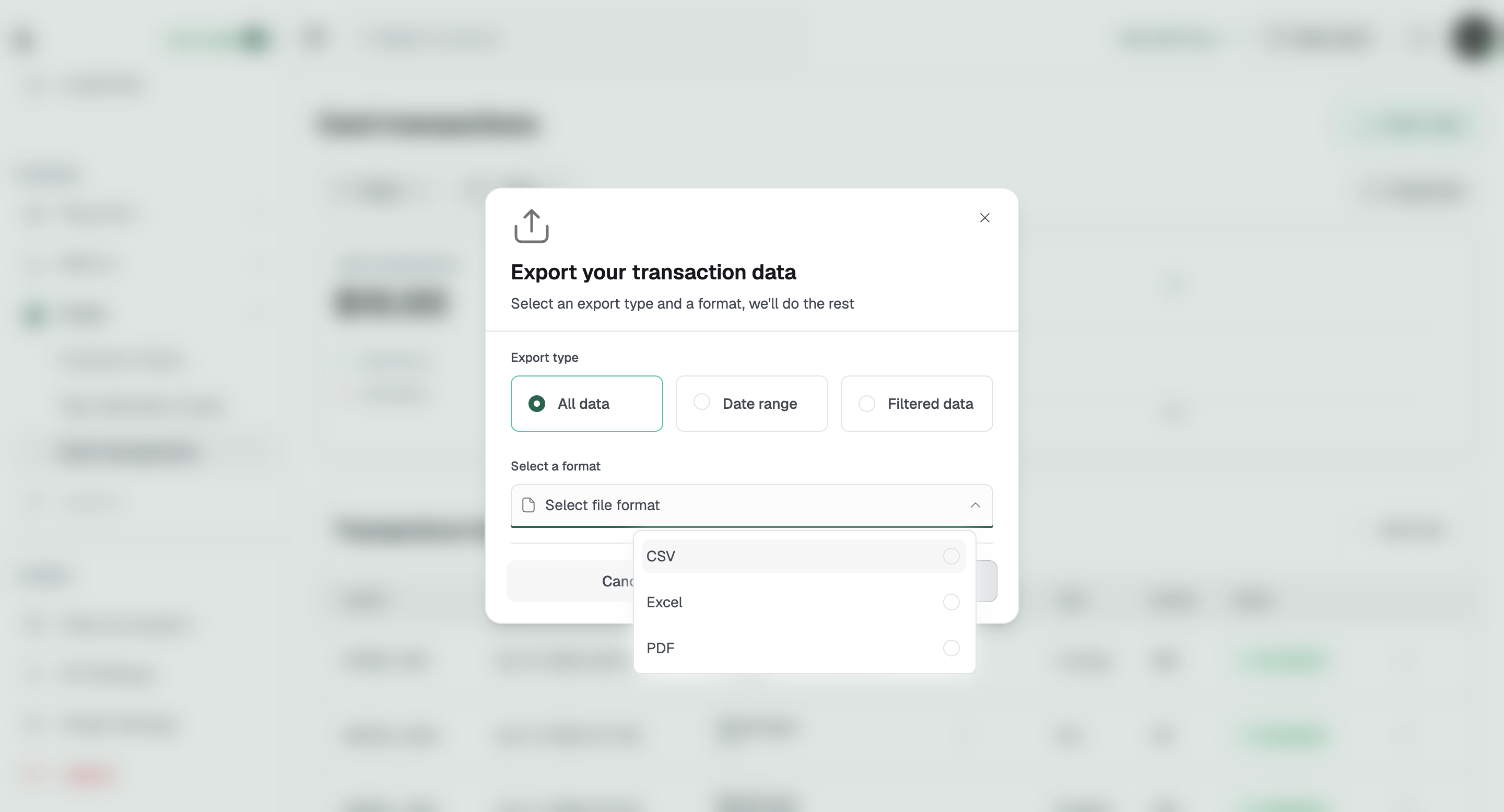
The card list can be filtered using the Filters button. You can filter by Card type, which shows Virtual card (reloadable, fully functional card with extended usability) and Lite card (non-reloadable card used for one-time transactions), as well as by Card status, Cardholder, and Spending range. You can also narrow the list by date using the All time dropdown, and other options. Cards can be exported using the Export data button.
Related articles:
Was this article helpful?
Sorry about that! Care to tell us more?