
Managing Your Wallets
You'll find your wallets under Products in the sidebar. Each wallet is managed independently, with its own balance, address, and transaction history.
You have three wallets:
BTC: your Bitcoin wallet. Supports on-chain transactions and Lightning Network transfers for near-instant payments.
USDC: your USD Coin stablecoin wallet.
USDT: your Tether stablecoin wallet.
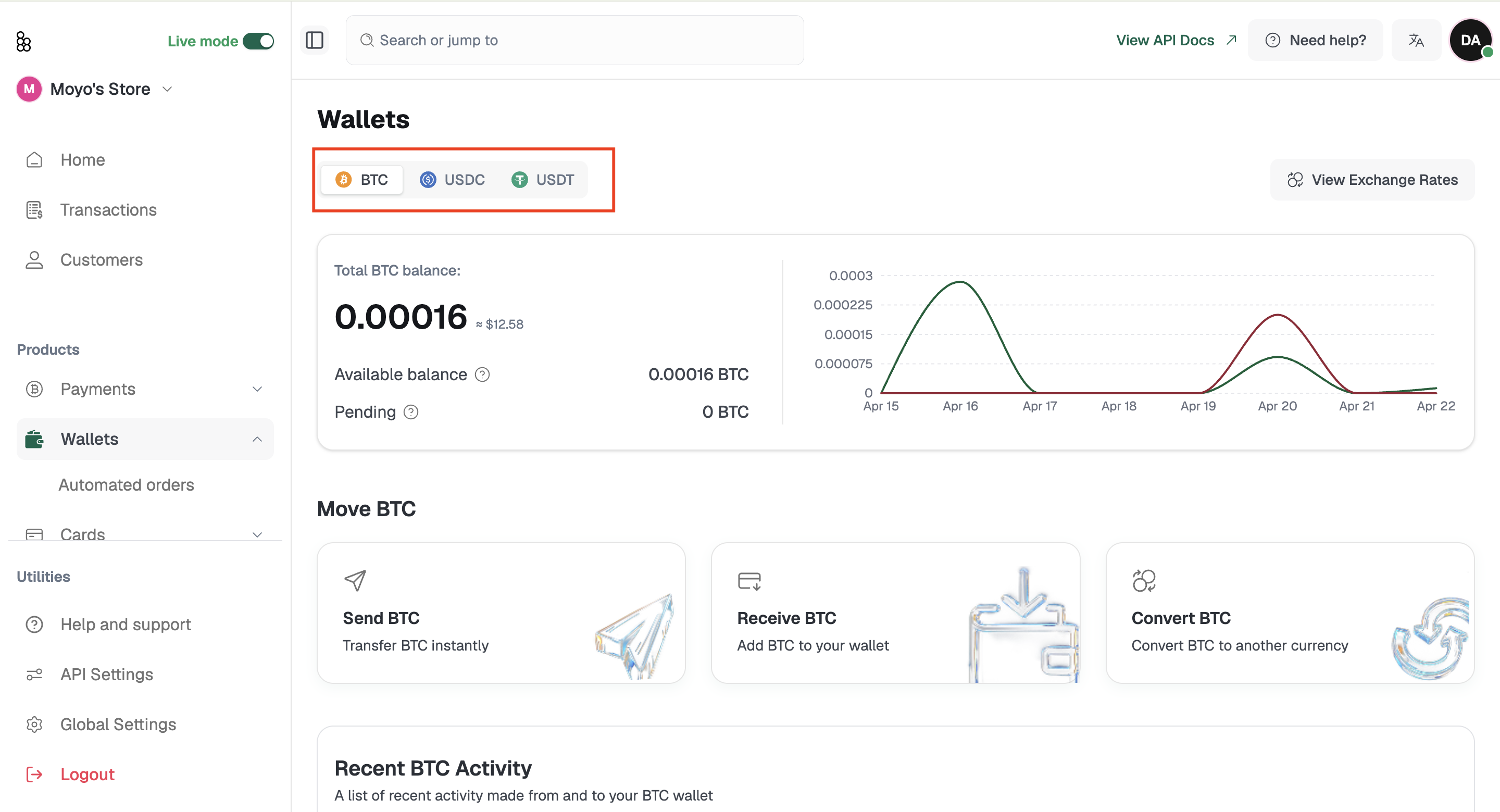
Select any wallet to open its dedicated page. From there you can check your current balance and its USD equivalent, access your wallet address to share with senders, view the activity history specific to that wallet, and initiate a Send, Receive, or Convert directly.
Note: Your wallet balances are also visible on the Home screen and Payments page. The Wallets section is where to go when you need per-wallet transaction history or want to manage a wallet address directly.