
Using the Transactions Page
The Transactions page is your complete account audit trail. Every movement of value is recorded here with the date, type, amount, status, and currency.
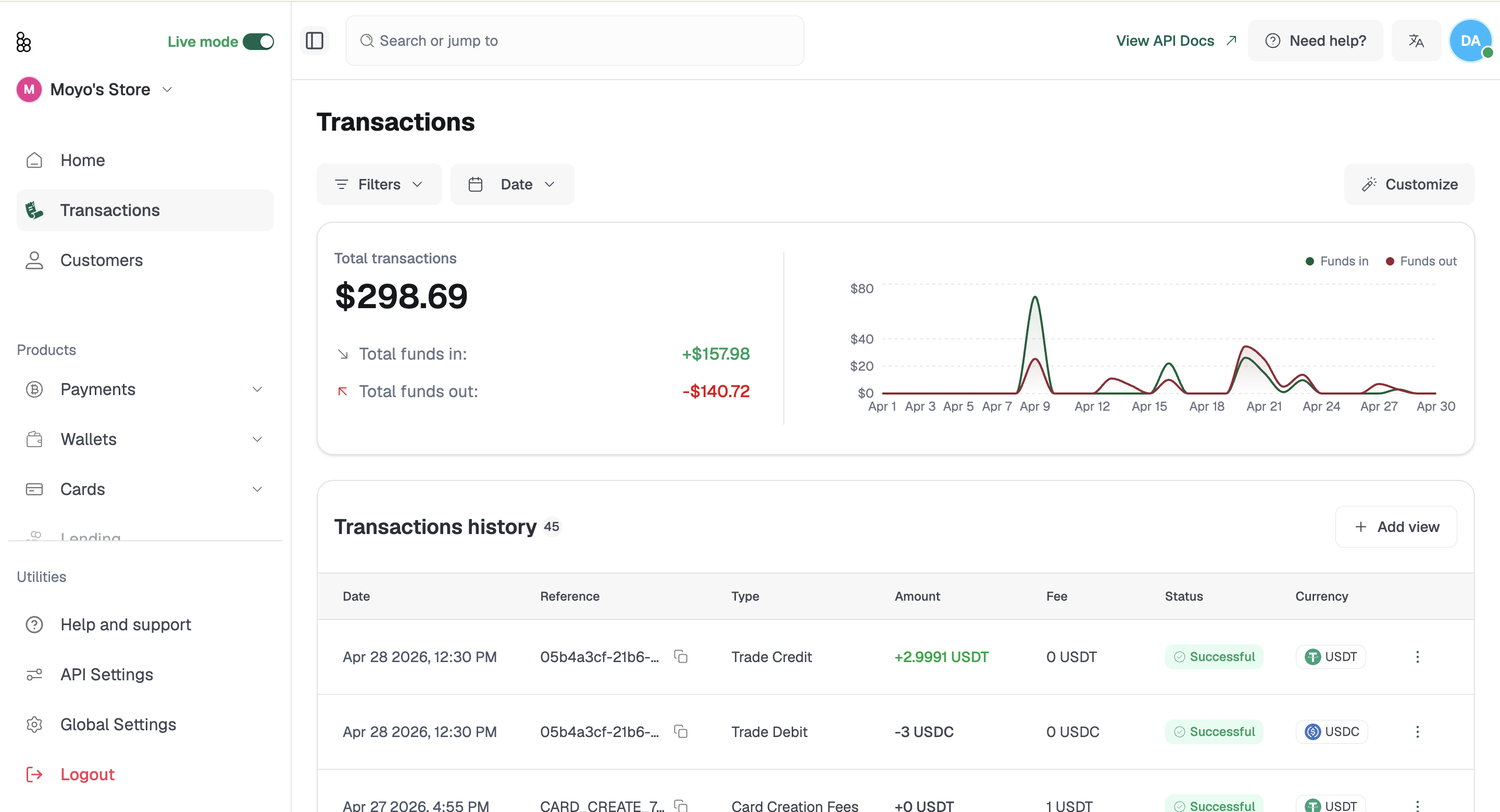
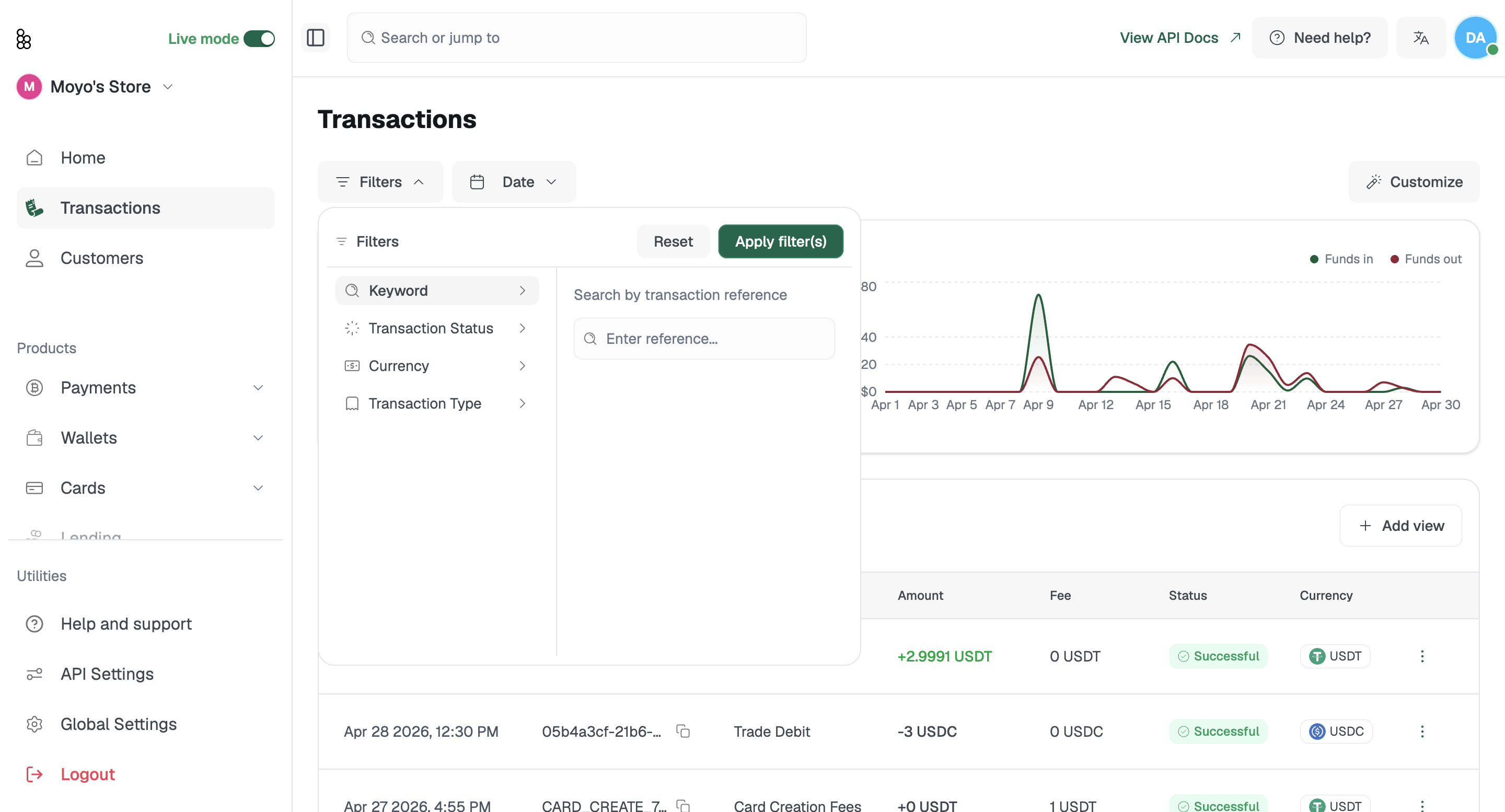
Filtering your history
You can filter your transactions in multiple ways;
- Filtering By Keyword : Using the "Reference Number"
- Filtering By Transaction Status : Selecting either Successful, Pending, Failed, Reversed.
- Filtering By Currency Type : Selecting either BTC, USDT, USDC
- Filtering By Transaction Type : Selecting either Deposit, Withdrawal, Card Top-up, e.t.c
- Filtering By Date : Ranging from 3 months, 6 months, Custom date range.
Use the filters to narrow down by Transaction Type or Date to set a specific date range. Combine both to isolate exactly what you need: for example, all outbound USDT transfers in a given month.
Saving views for recurring reports
The Add View option lets you create and save a custom filtered view as a named tab. Finance teams use this to pull the same report in one click every time: For example, a view scoped to card transactions or a specific currency. Helping you view the important needed columns at a particular time.
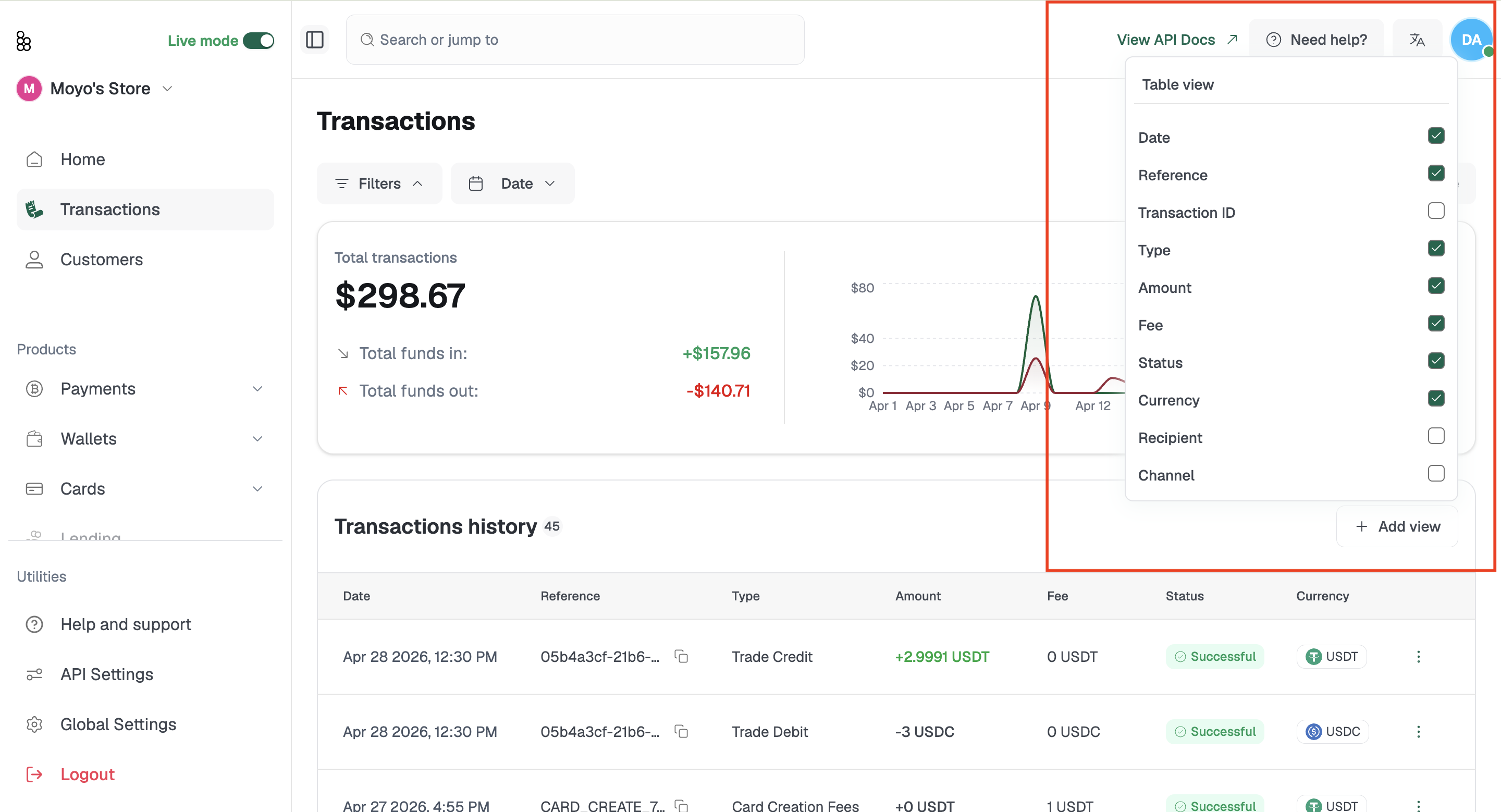
Exporting
Click Export Data, set your date range, and download. Use your exports for accounting reconciliation, tax documentation, audits, or sharing activity summaries with stakeholders.
Related articles: