Issuing and Managing Virtual Cards
The Cards section is a full virtual Visa card issuance platform. You can issue cards for your team or customers, fund them from your wallet balance, and manage everything from one dashboard.
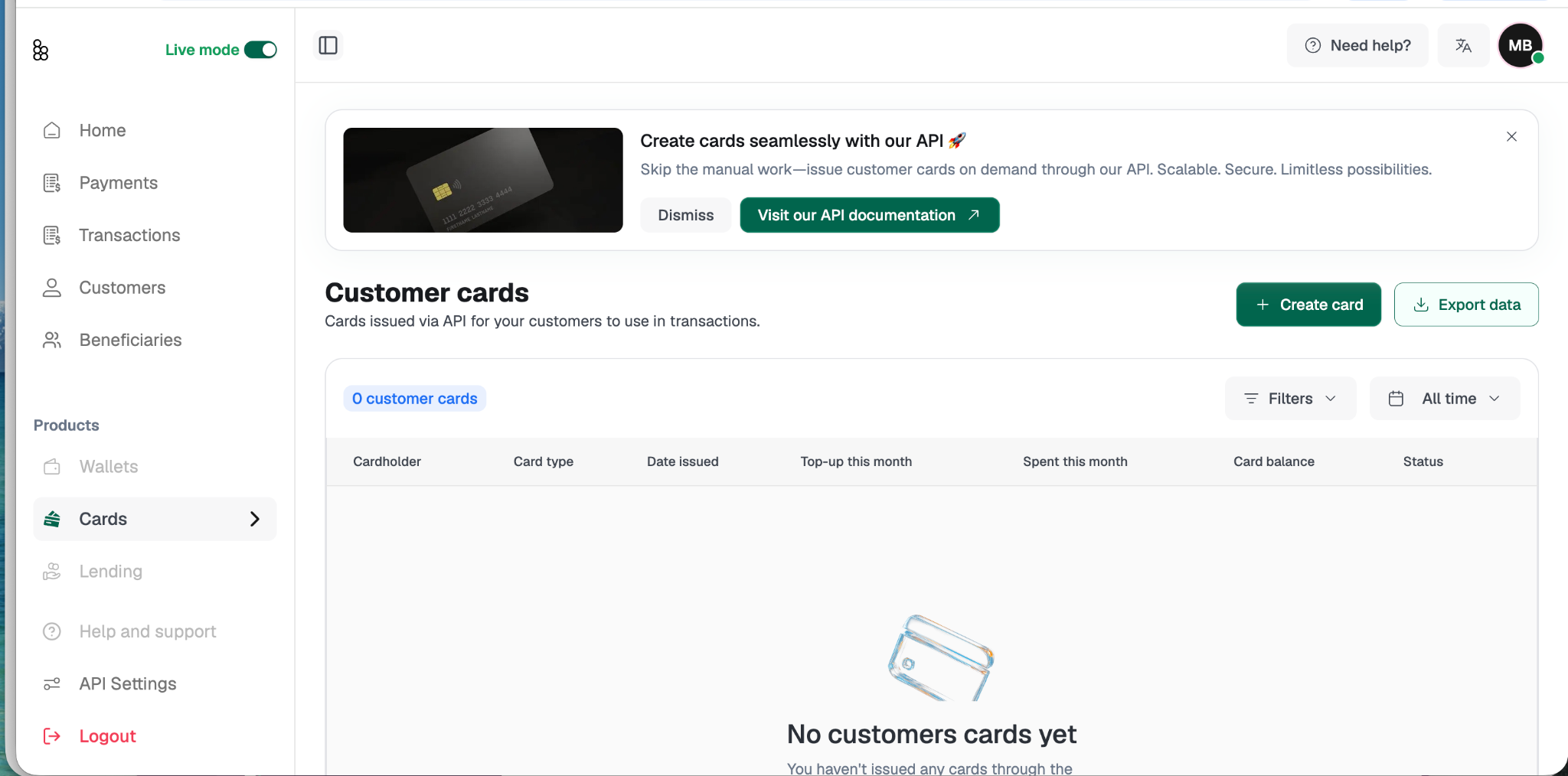
The Cards section has three parts accessible from the sidebar:
Customer Cards for cards issued to your customers,
Team Members Cards for internal team expense cards, and
Card Transactions for a unified view of all card activity across your account.
Cards can be issued in two ways: manually from the dashboard, or via the Bitnob API. If you have the API integrated, issuing cards programmatically is the recommended approach and allows you to create cards on demand without manual steps. Manual issuance is available for one-off needs directly from the Customer Cards page.
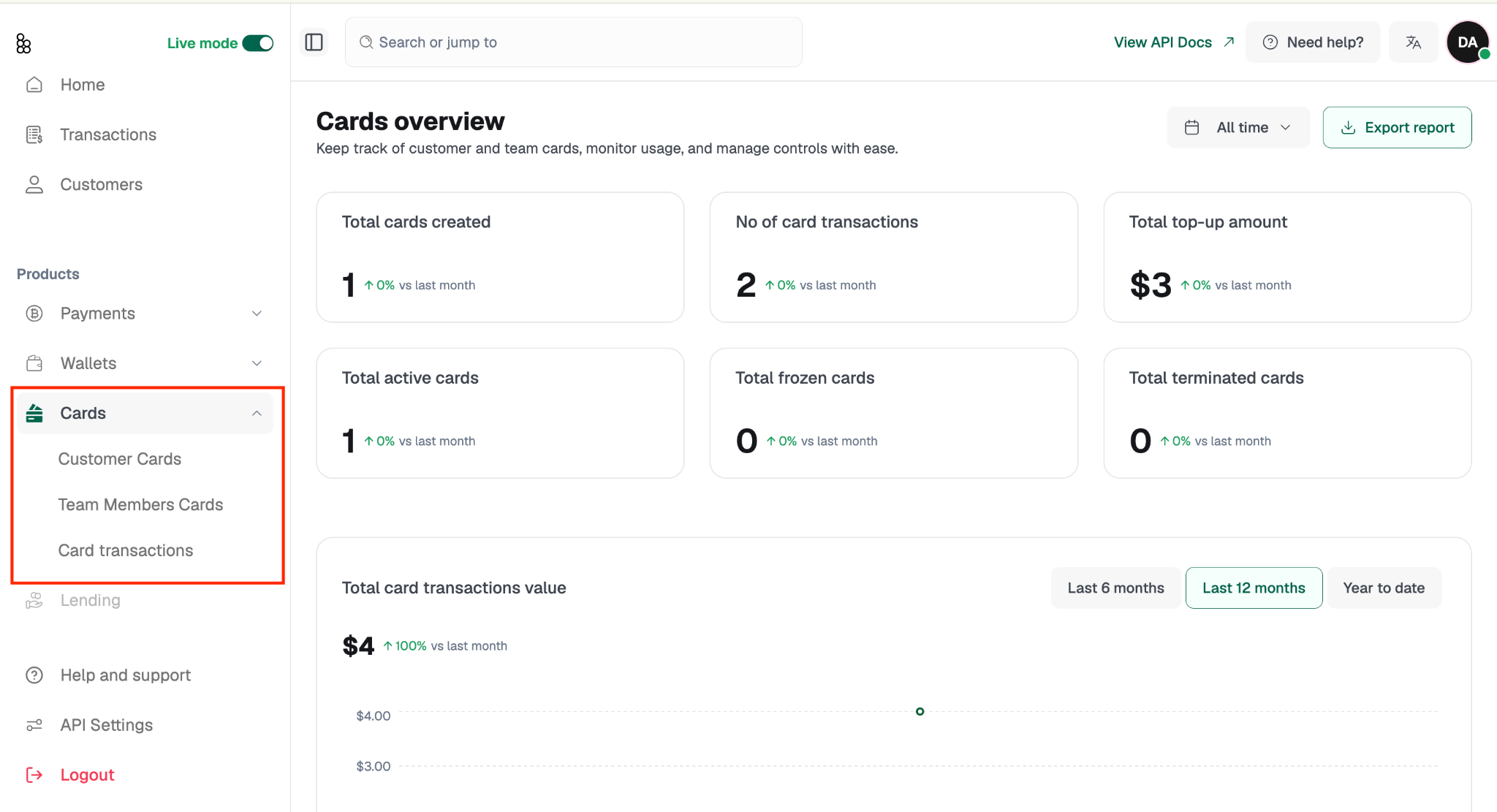
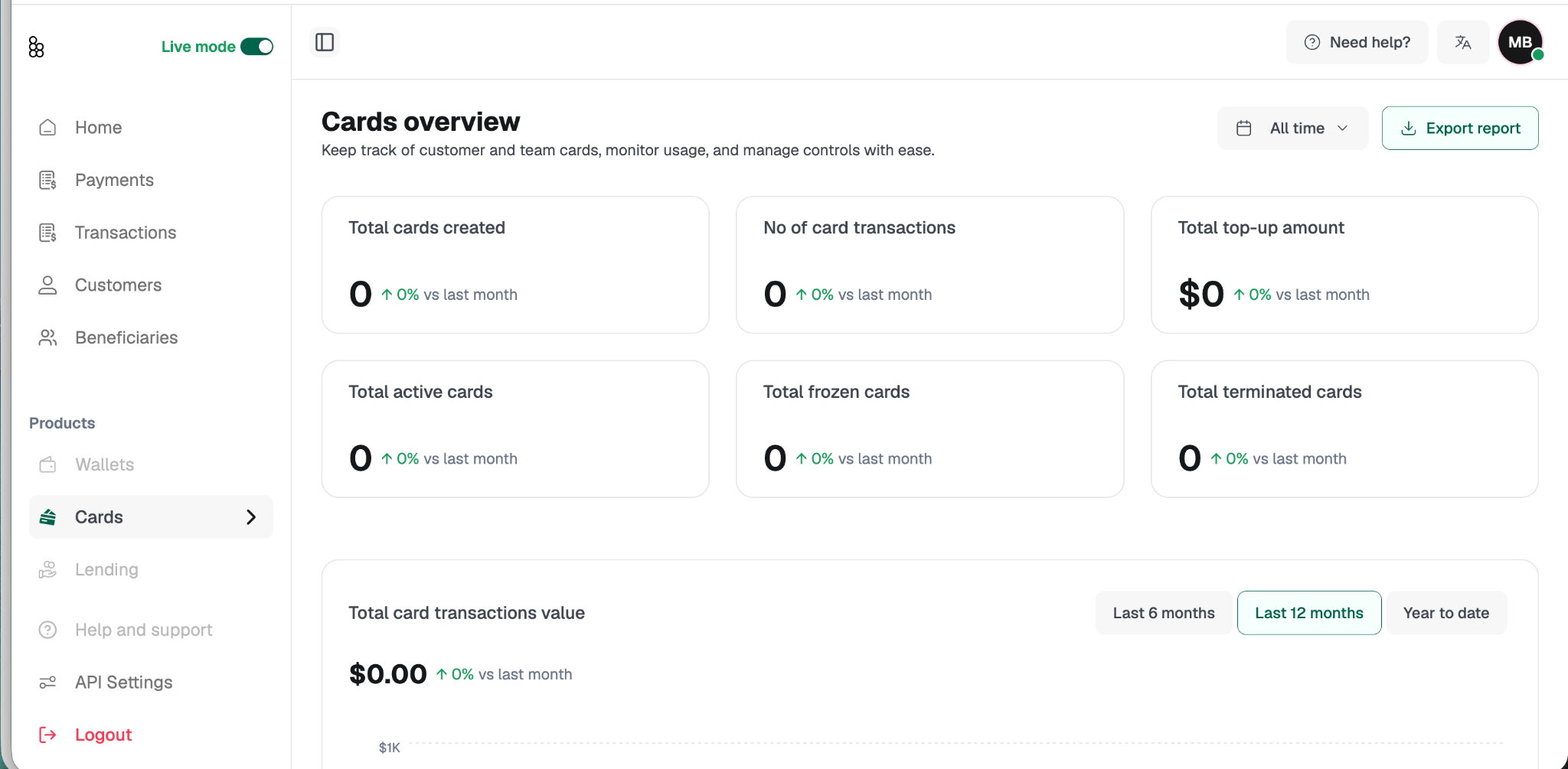
Cards overview dashboard showing metric tiles and analytics charts
When you land on the Cards overview, you'll see six metrics: each compared to the previous month:
Total Cards Created: every card ever issued under your account
Number of Card Transactions: total transactions processed across all cards
Total Top-Up Amount: aggregate funds loaded across all cards
Total Active Cards: cards currently open and able to transact
Total Frozen Cards: cards temporarily suspended
Total Terminated Cards: cards permanently closed
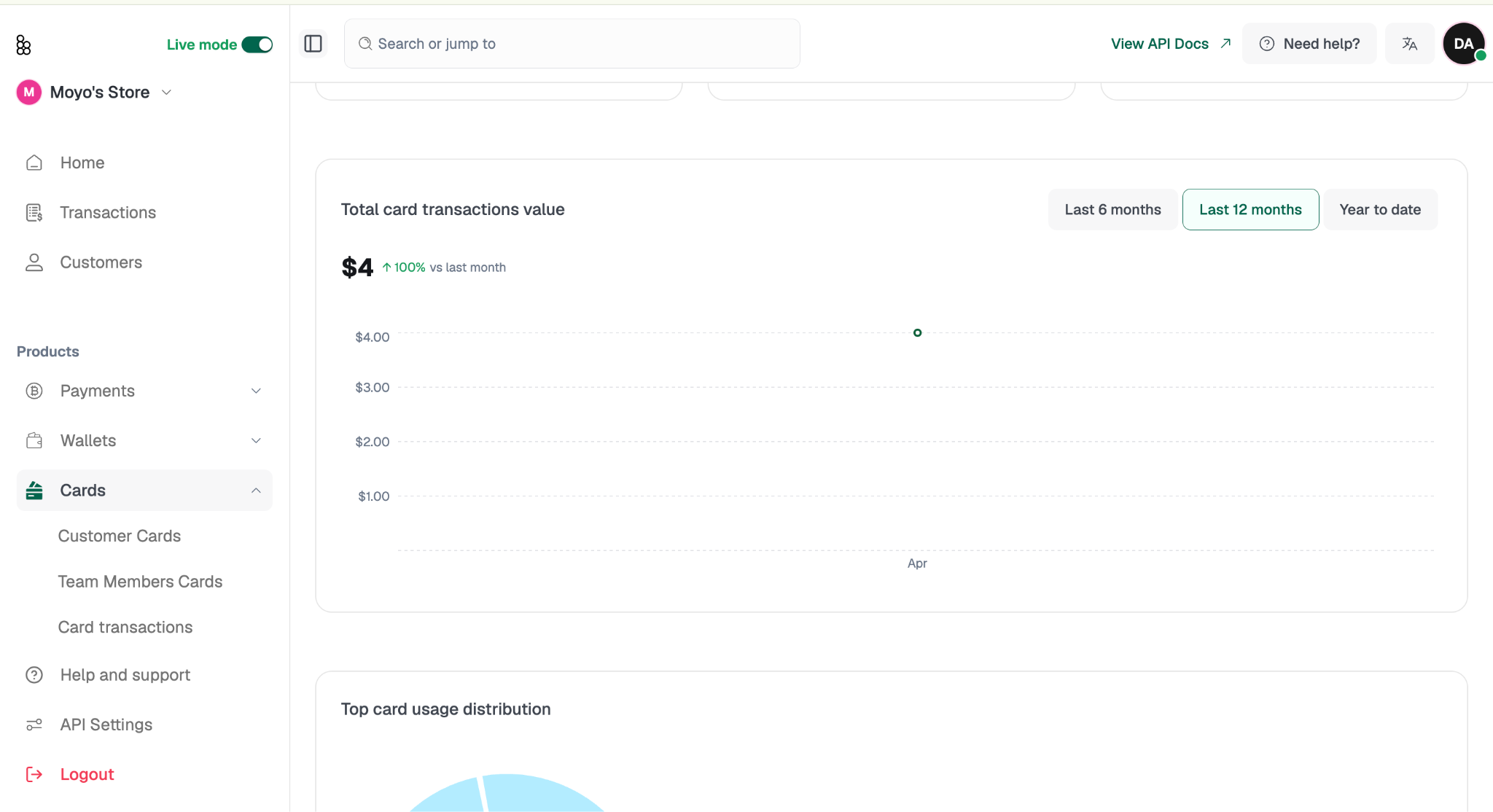
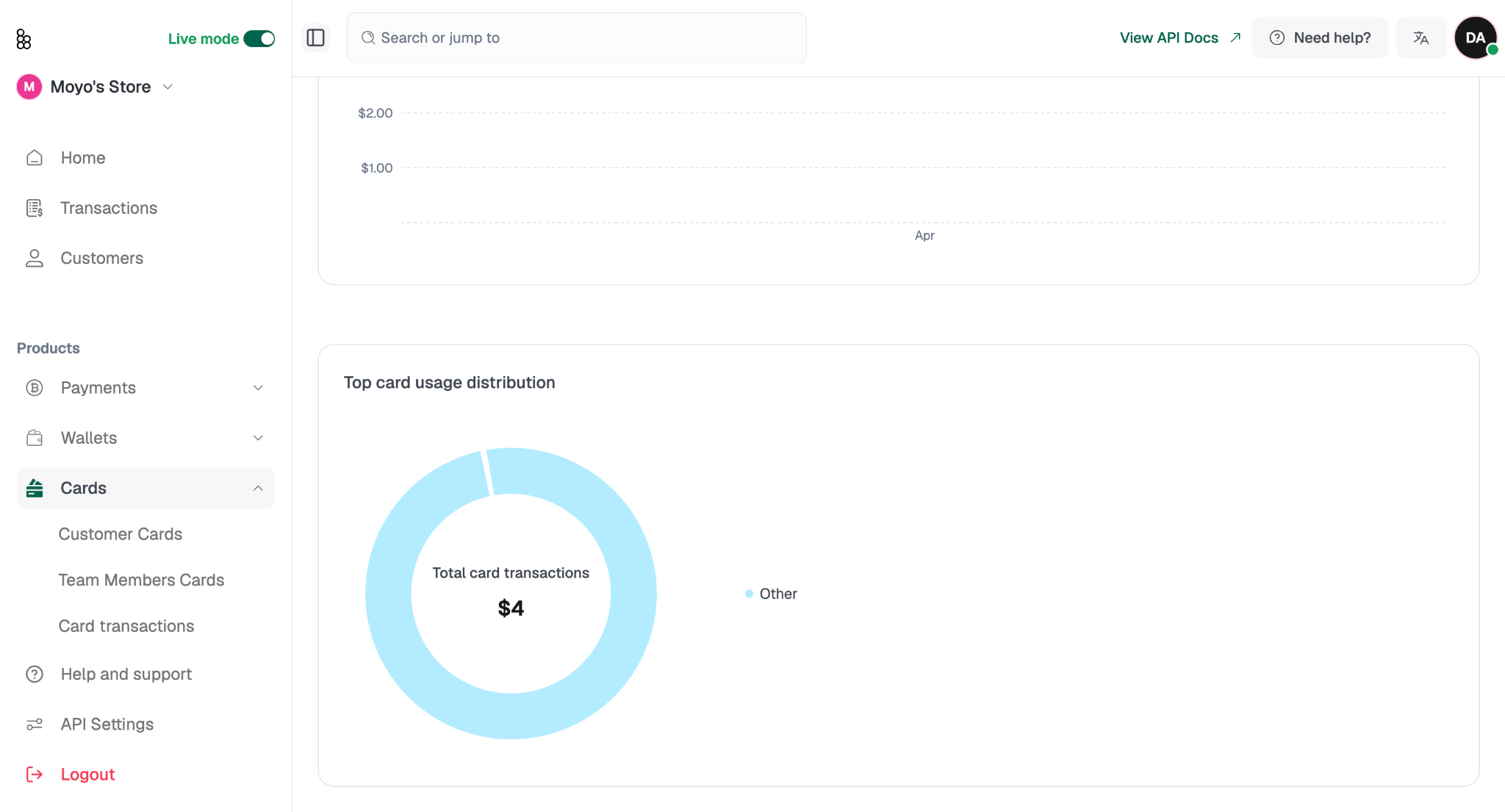
You'll also find two analytics charts: a time-series view of total card transaction value (switchable between Last 6 Months, Last 12 Months, and Year to Date), and a donut chart breaking down spend by merchant category.