
How to Receive Money
Click Receive from the Payments page or from Quick Actions on the Home screen, then select the currency you'd like to receive.
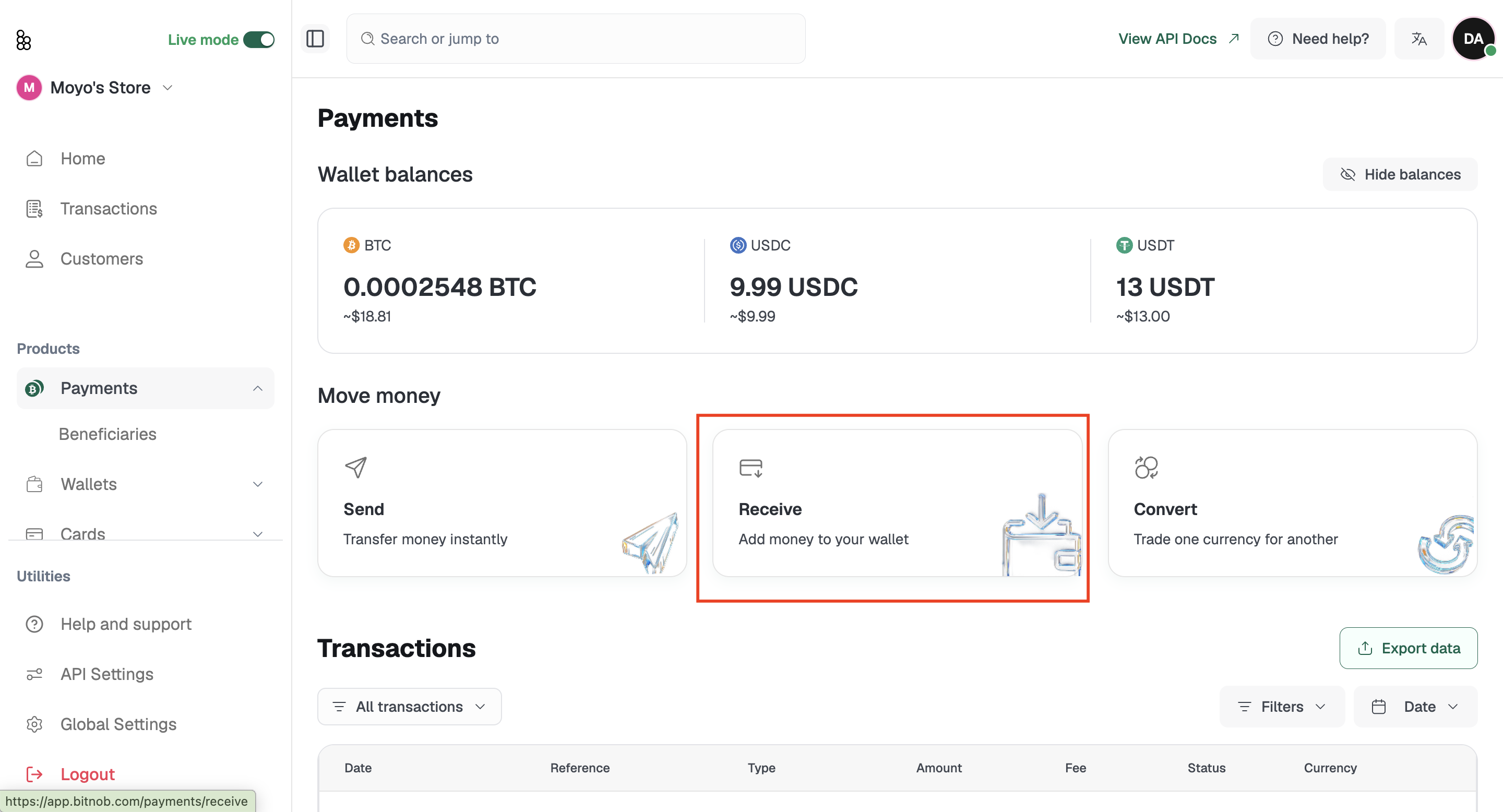
Receiving Bitcoin (BTC)
Select BTC, then select On Chain as the channel: this is currently the only available channel for Bitcoin. Your wallet address and QR code will appear. Copy the address or download the QR code to share with whoever is sending to you.
Receiving USDC or USDT
Stablecoins run on multiple blockchain networks, so you'll need to select a network before your address is generated. Supported networks include Arbitrum, Avalanche, Base, BSC (Binance Smart Chain), Ethereum, Optimism, and more depending on the currency you select.
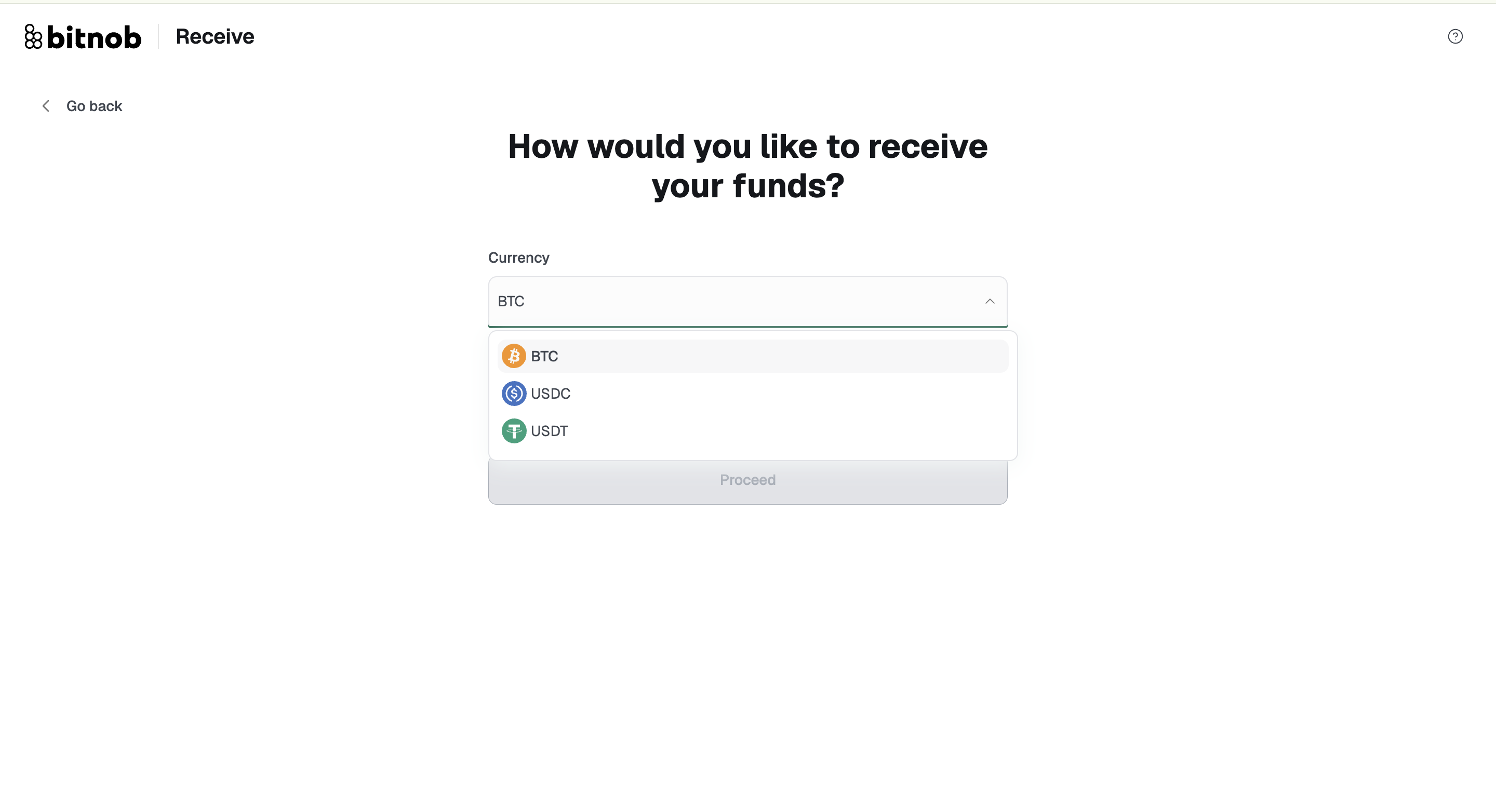
Select USDC or USDT.
Select the network.
Your wallet address and QR code are ready to share.
Important: The sender must use the exact same network you selected. Sending USDT on BSC to an address generated for the Ethereum network means the funds won't arrive and may be permanently lost: neither you nor Bitnob can recover them. This warning also appears on the address screen before you share it. Please read it carefully.
Related articles: