
How to Convert Between Currencies
Convert lets you swap between BTC, USDC, and USDT at live market rates. This is an internal exchange between your own wallets: no funds leave your account.
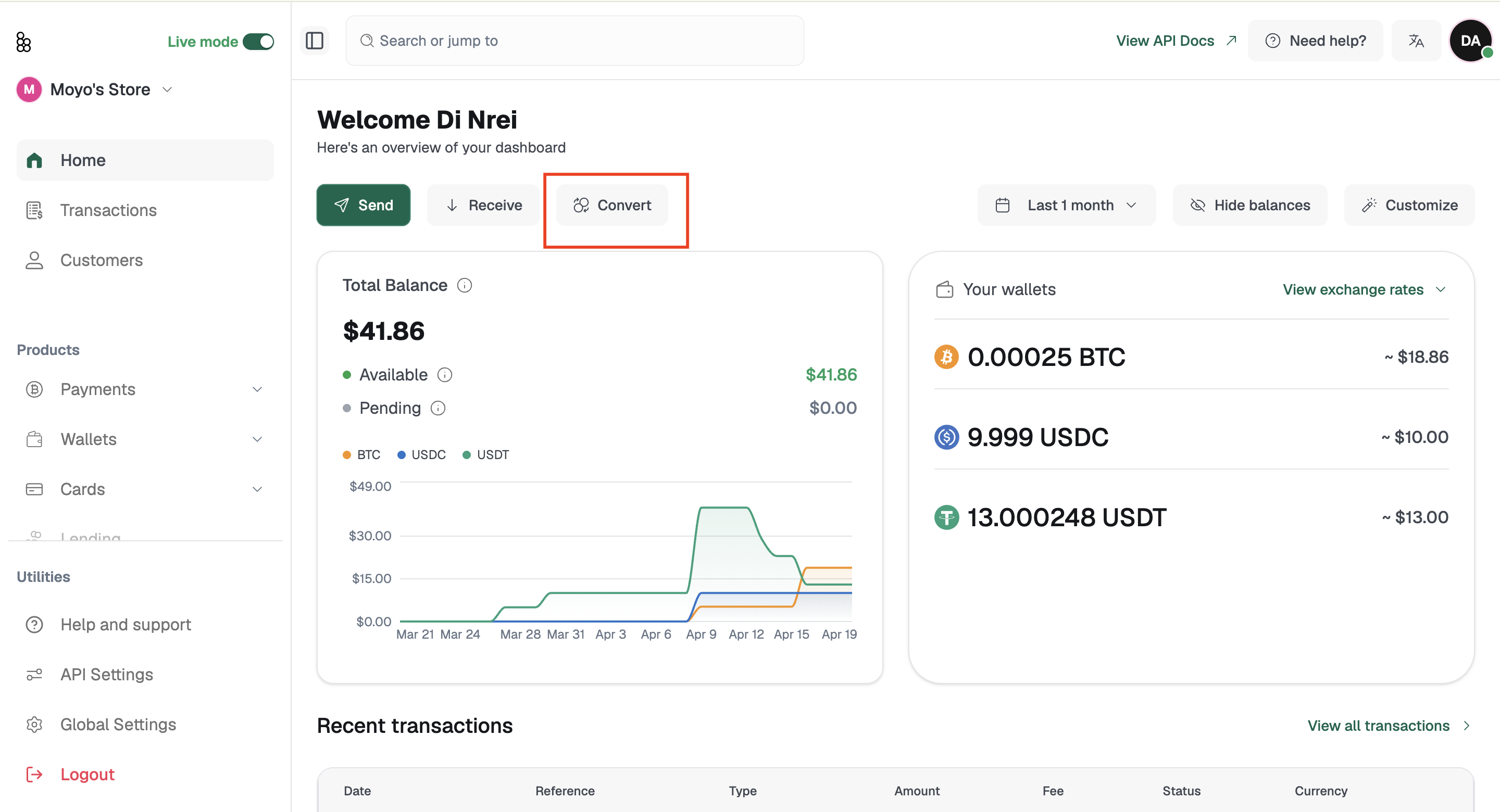
Supported pairs: BTC ↔ USDC, BTC ↔ USDT, and USDC ↔ USDT in both directions.
Select the currency you're converting from.
Select the currency you're converting to.
The live exchange rate populates automatically.
Enter your amount, or click Max to use your full available balance.
N.B: A minimum conversion amount applies depending on the currency pair. For example, converting from USDT requires a minimum of 10 USDT. If you enter an amount below the minimum, an error will appear and you will not be able to proceed to Review.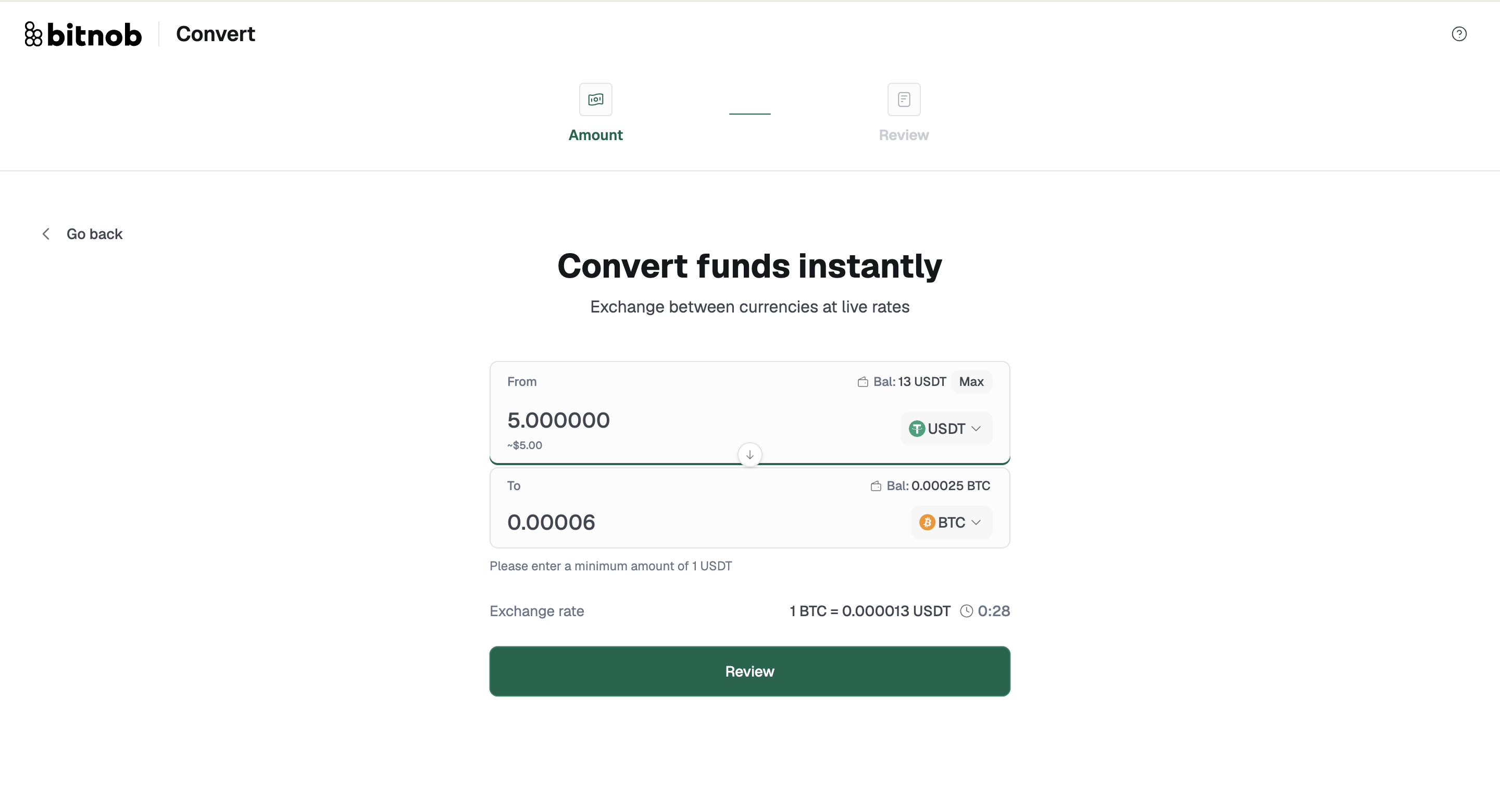
Add an optional note for your records.
Enter the OTP code.
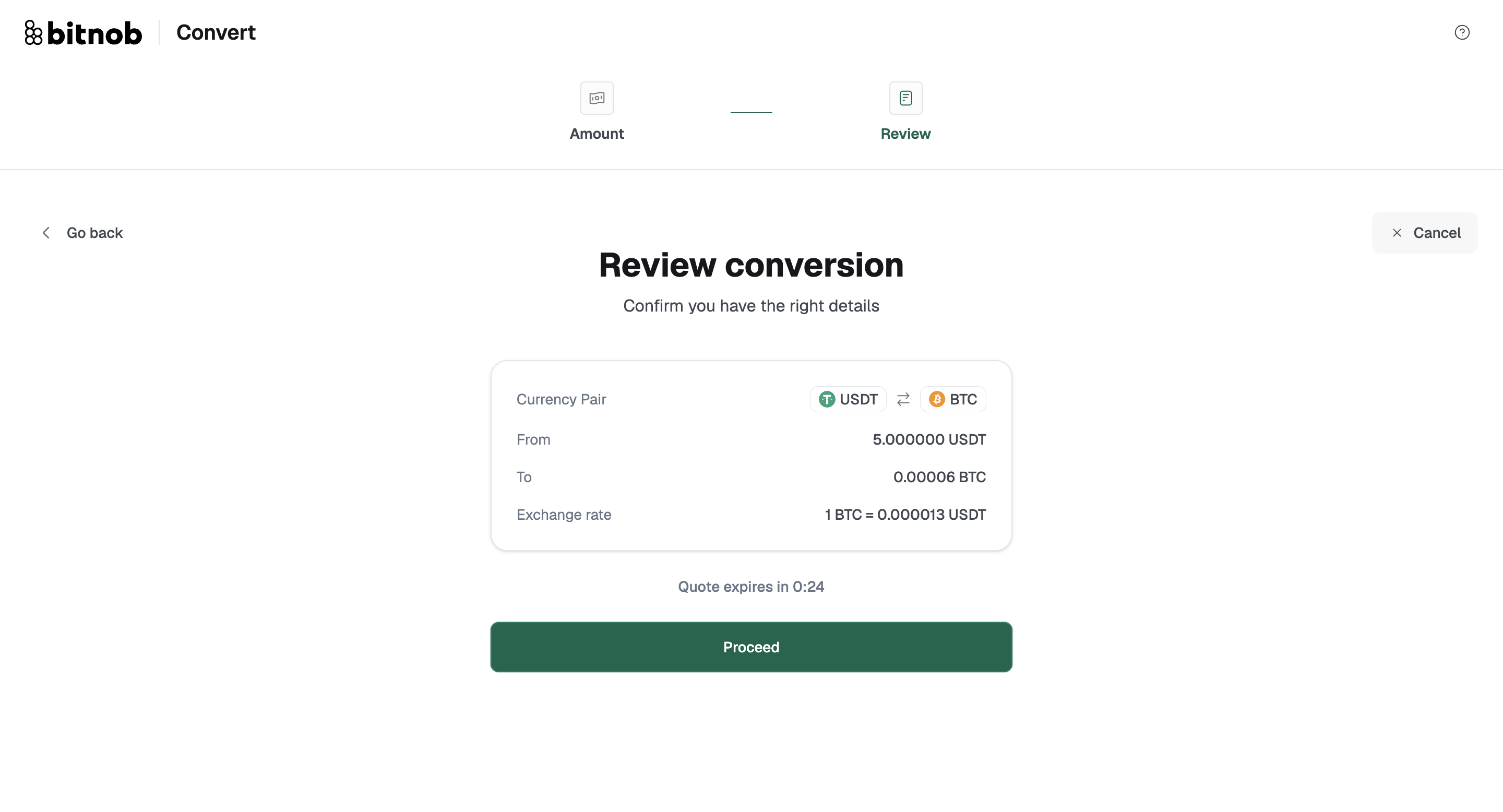
Review and confirm. Before you can complete the transaction, you will be prompted to verify your identity. If you have a passkey set up, you will be asked to verify using your device biometrics. If you have not set up a passkey or 2FA, you will be directed to Security Settings to complete this before the transaction can proceed.
Note: Exchange rates are live and can change between when you enter your amount and when you confirm. The rate shown on the Review screen is the exact rate that will be applied to your conversion. You have approximately 30 seconds to confirm before the quote expires. If the timer runs out before you click Proceed, you will see a Quote expired message and will need to go back and re-enter your amount to get a fresh rate.
Related articles: