
How to send money - Sending to Multiple Recipients (Bulk Transfer)
Select Bulk Transfer to pay up to 20 recipients in a single transaction.
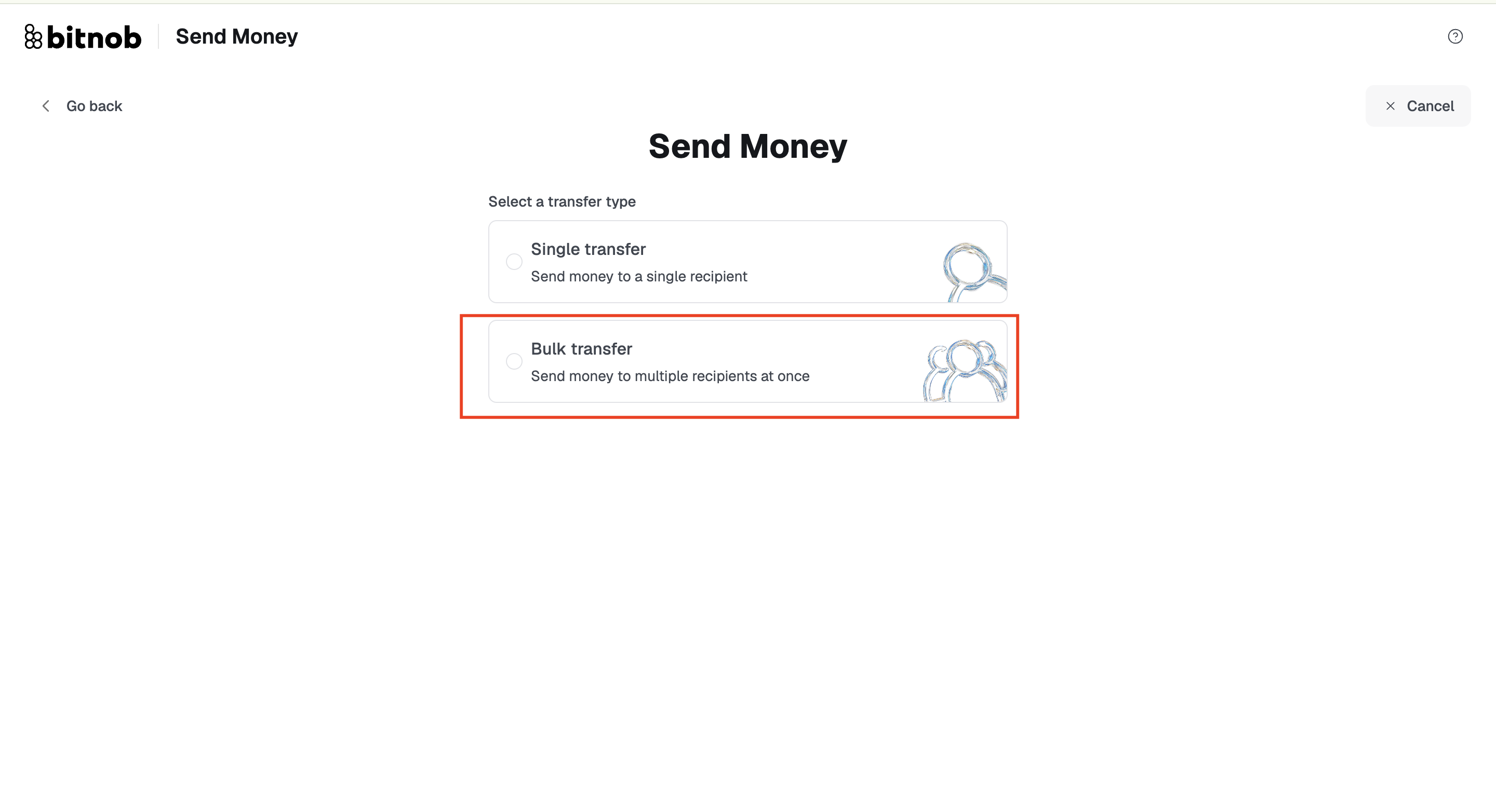
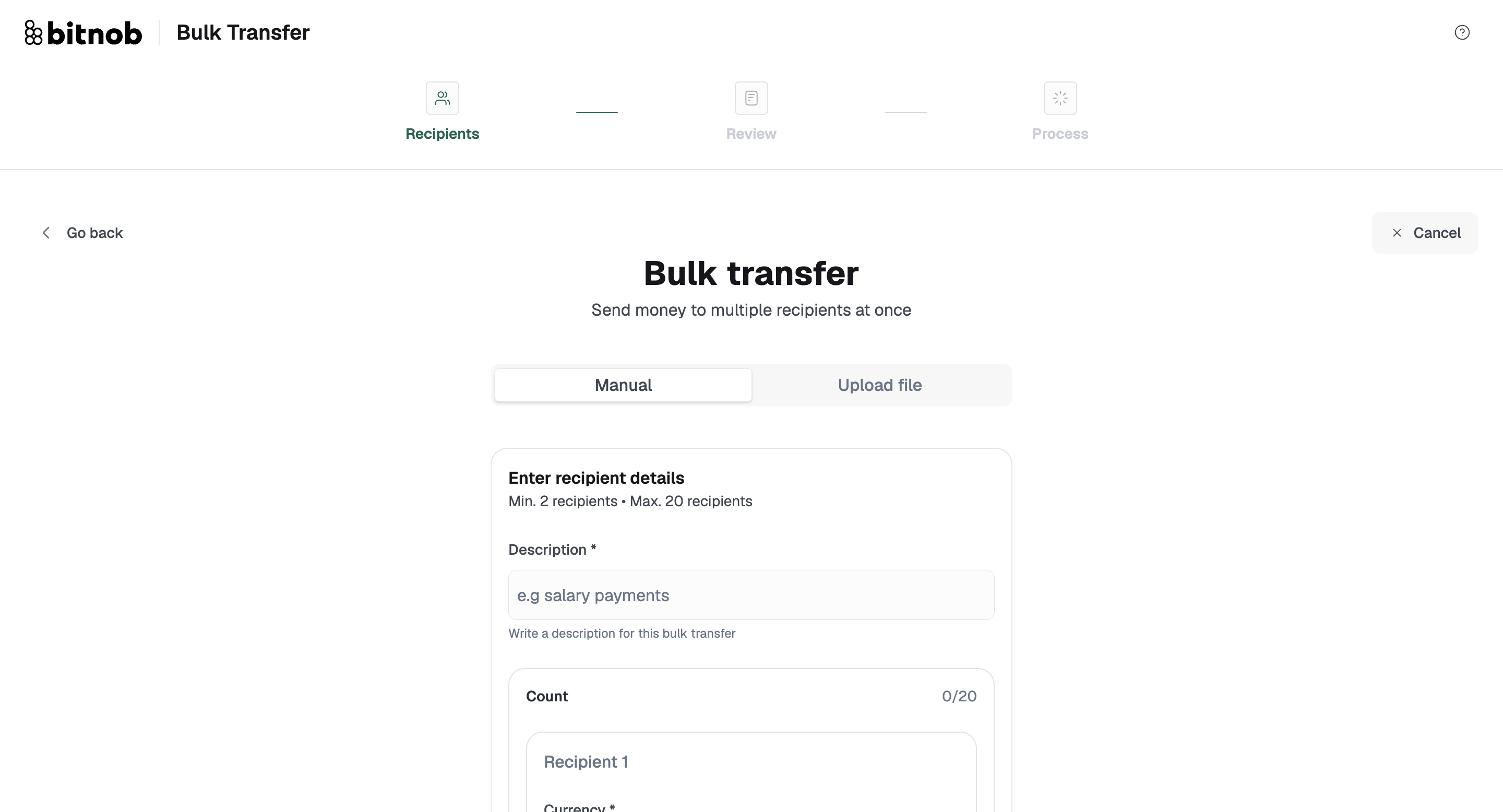
Minimum recipients: 2
Maximum recipients: 20 per transaction
Need to pay more than 20? Just run separate batches.
You can add recipients two ways:
Manually: click Add Another Recipient for each person. Each record needs a wallet address or QR code, currency, amount, network, and an optional description for the batch.
Via file upload (recommended for larger batches): download the official template from the Bulk Transfer screen, fill it in, and re-upload. Accepted formats are CSV, XLS, and XLSX, with a 5 MB file size limit.
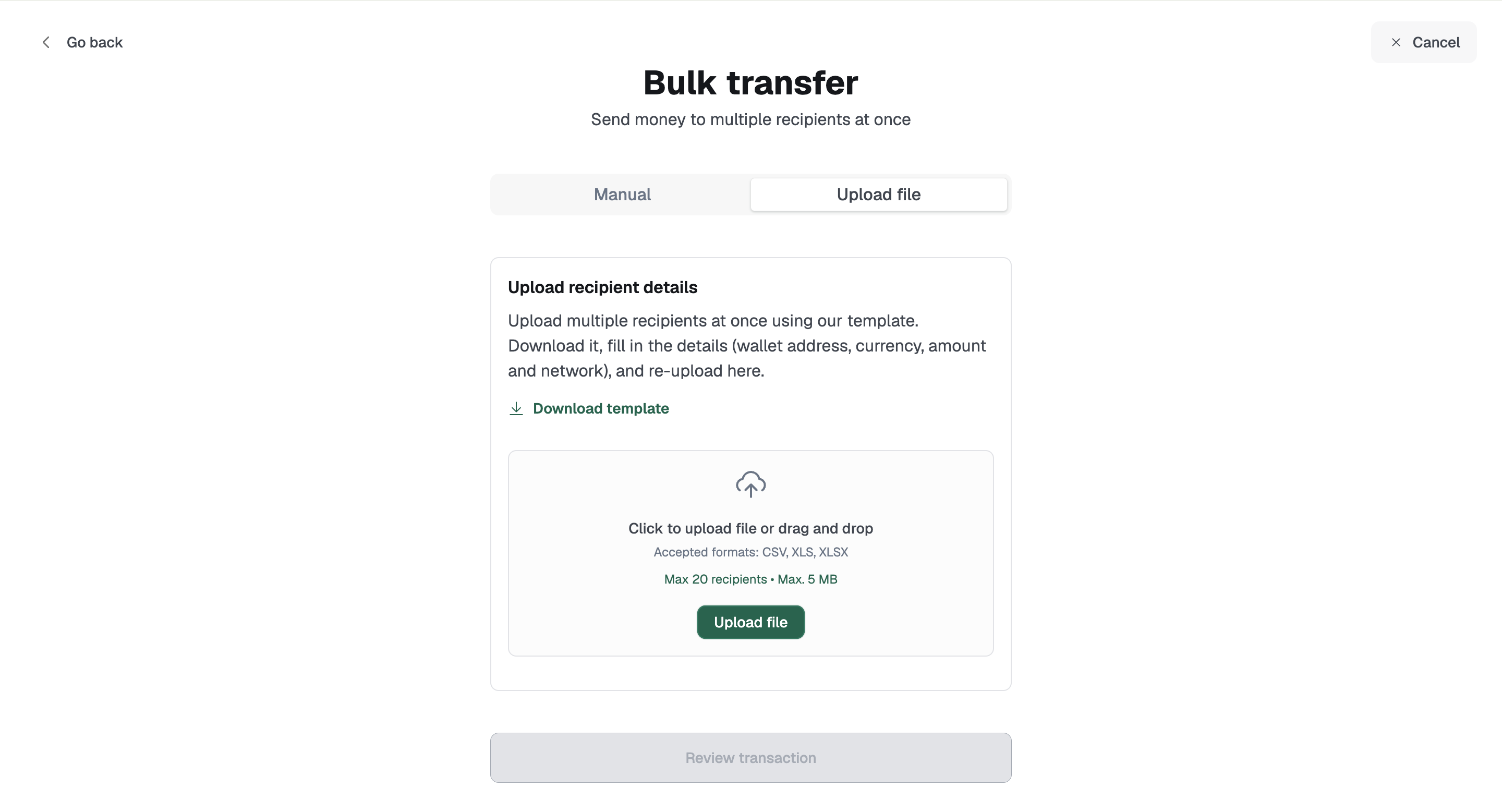
Tip: Always use the official template. Files with different column names or formatting will fail on upload.
Once your recipients are confirmed, the transaction moves through Review and then Process.
Related articles: