
Using RPC Endpoints
RPC Endpoints give you read and write access to the blockchain networks Bitnob supports. Each network comes pre-configured with two endpoints; one for Mainnet and one for Testnet. So you can build and test without switching environments.
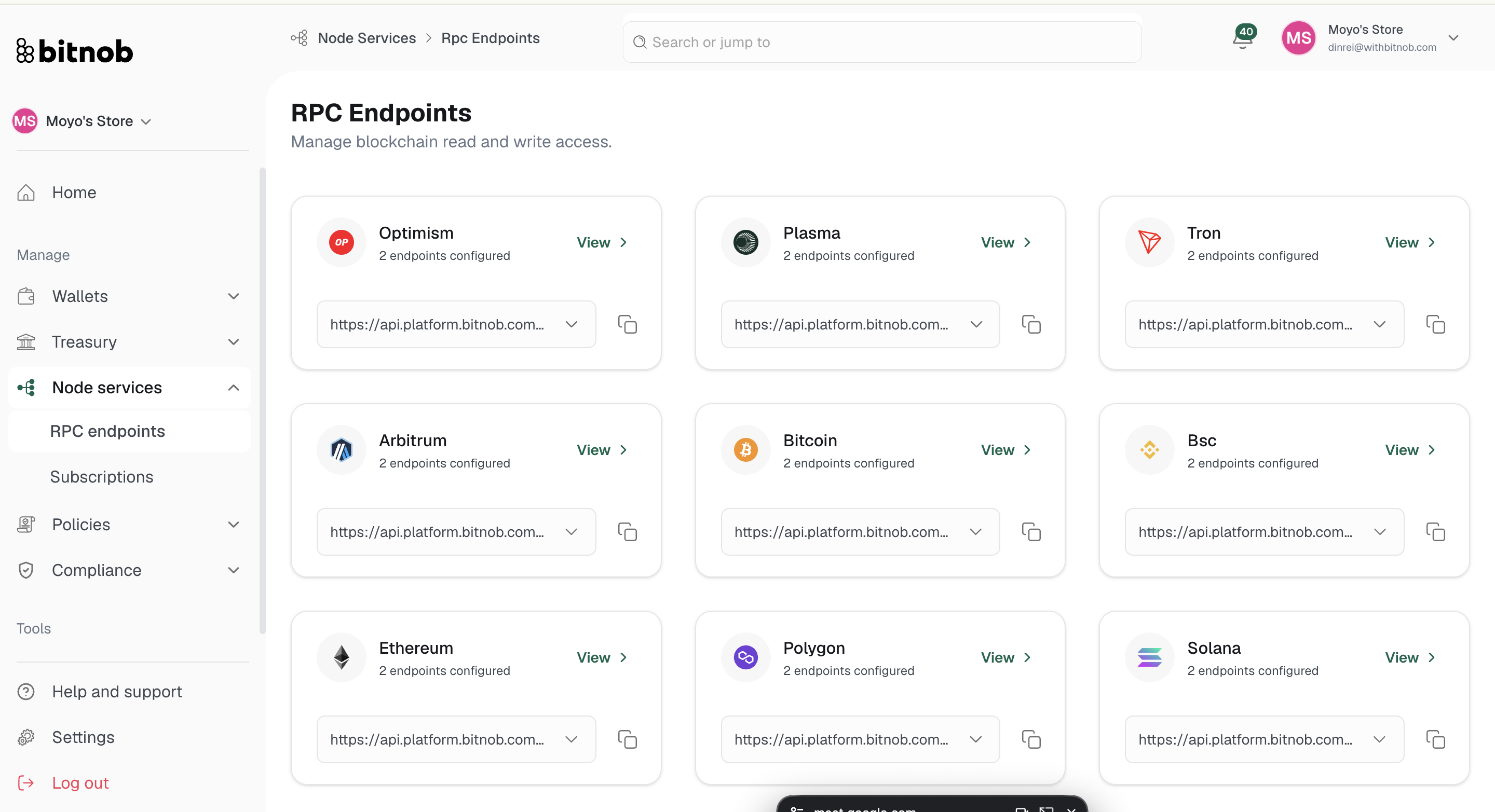
Supported networks
The following networks are available out of the box:
Solana, TON, Tron, Arbitrum, Avalanche, Base, Optimism, Plasma, Bitcoin, BNB Smart Chain (BSC), Ethereum, and Polygon.
Each network displays its endpoint URL directly on the overview page and can be copied with one click.
Viewing an endpoint
Navigate to Node Services > RPC Endpoints from the left sidebar
Locate the network you want to use
Click View to open the endpoint detail page
What you'll find inside an endpoint
Each endpoint detail page shows:
Your endpoints — Both your mainnet and testnet endpoint URLs with their current status (active/inactive)
Daily usage — A counter showing how many requests have been made against your daily limit (e.g. 0/100,000)
RPC commands — A full reference of available methods for that network, including the method name, description, required parameters, and ready-to-use curl examples
Available RPC commands (Solana example)
Each network exposes a set of commands relevant to that chain. For Solana, these include:
getSlot — Returns the slot that has reached the given commitment level
getBlockHeight — Returns the current block height of the node
getBalance — Returns the balance of an account at a given public key
getTransaction — Returns transaction details for a confirmed transaction signature
getLatestBlockhash — Returns the latest blockhash
getTokenAccountBalance — Returns the token balance of an SPL Token account
getAccountInfo — Returns all information associated with an account
getHealth — Returns the current health of the node
sendTransaction — Submits a signed transaction to the cluster
getSignatureStatuses — Returns the statuses of a list of signatures
And more
Network interface
At the bottom of each endpoint page, a built-in Network interface lets you test RPC commands directly in the browser without writing any code. Select your method, enter your parameters, and run the request. Code snippets are available in curl, JavaScript, Python, and JSON-RPC formats.
Tip: Use the testnet endpoint while building your integration so you're not making requests against real funds. Switch to the mainnet endpoint when you're ready to go live.
Related articles