
How to Create Your Bitnob Account
Getting started on Bitnob takes less than five minutes. Here's everything you need before you begin:
A valid email address you can access right now at will
Your legal name exactly as it appears on a government-issued ID
A strong password
Click Sign up.
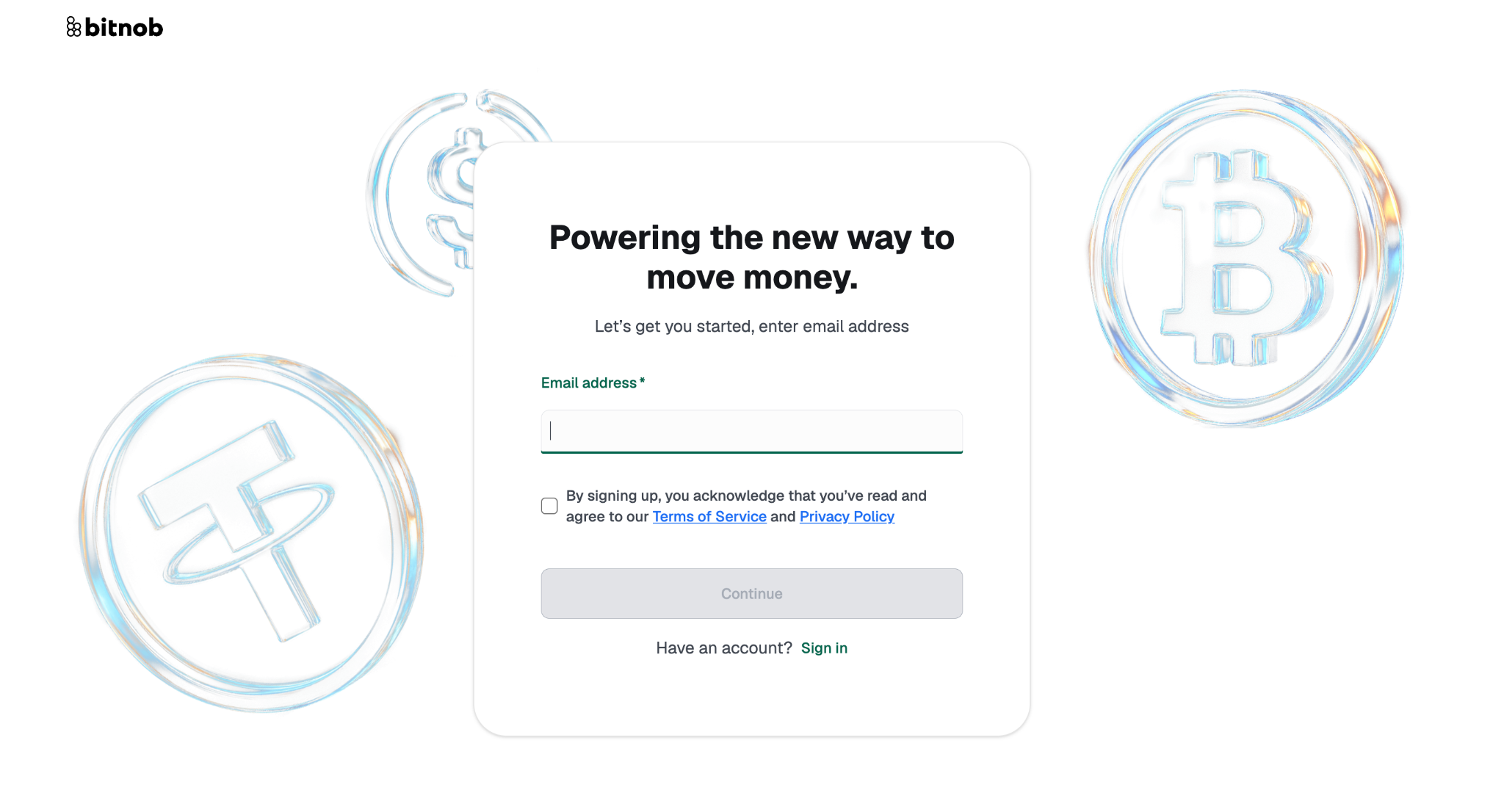
Enter your email address
Click the checkbox and Click Continue.
Check your inbox for a one-time password (OTP). If it doesn't arrive within two minutes, check your spam folder : OTPs expire quickly, so would need to request a new one if needed.
Enter the OTP on the verification screen.
Enter your legal first name, middle name if applicable, and last name exactly as they appear on your ID.
Create your password, Confirm it, and you're in to your Bitnob account.
Note: We use your legal name for identity verification. Names that don't match your ID documentation can delay or restrict access to certain features, so please avoid nicknames or shortened versions.
You are then redirected to your Account Profile where you would need to set your Company Name and Description.
(VIDEO: Full sign-up walk-through from email entry to completed account, 90 seconds)